Designed By: Arden Villanueva & Tessa Brown
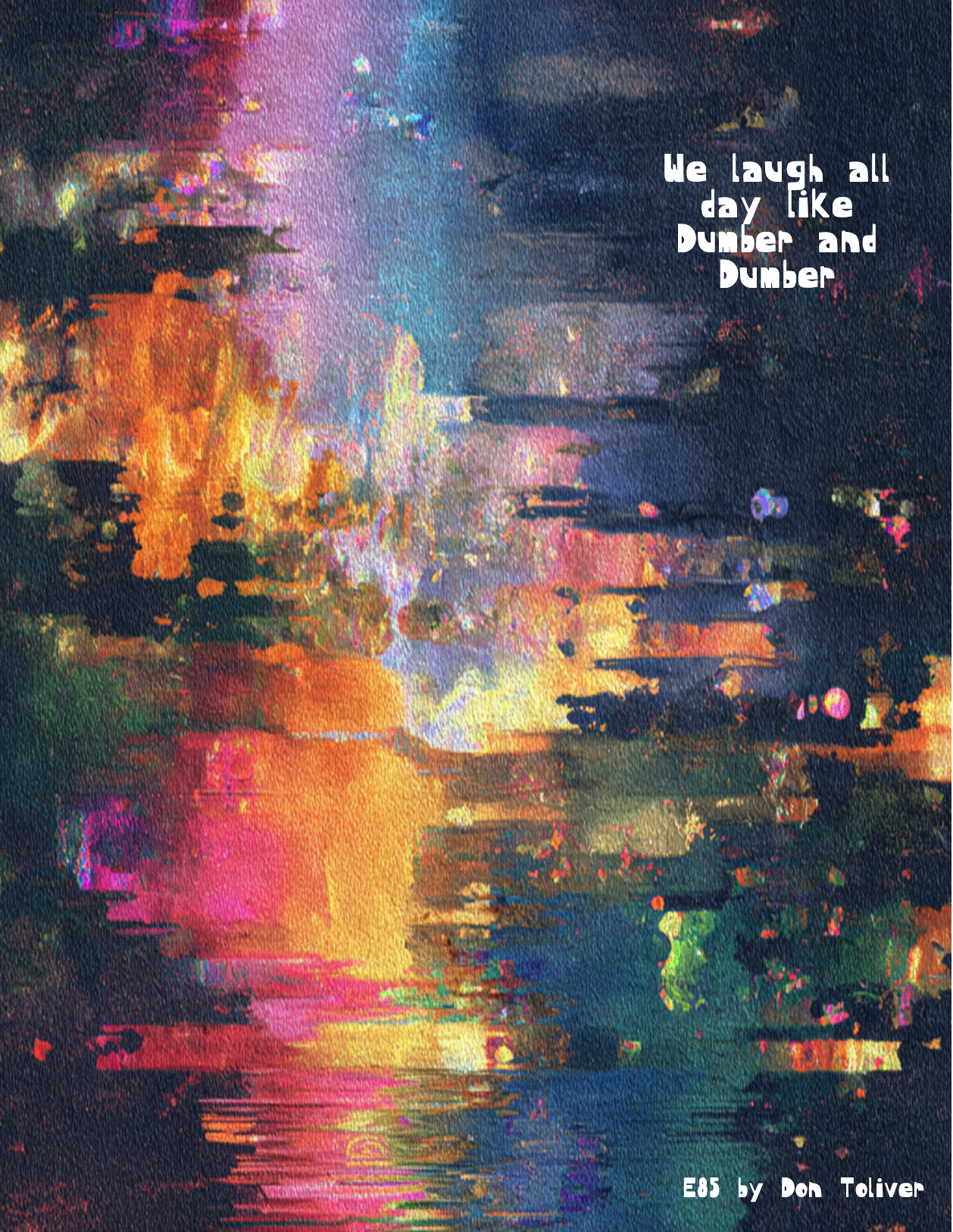
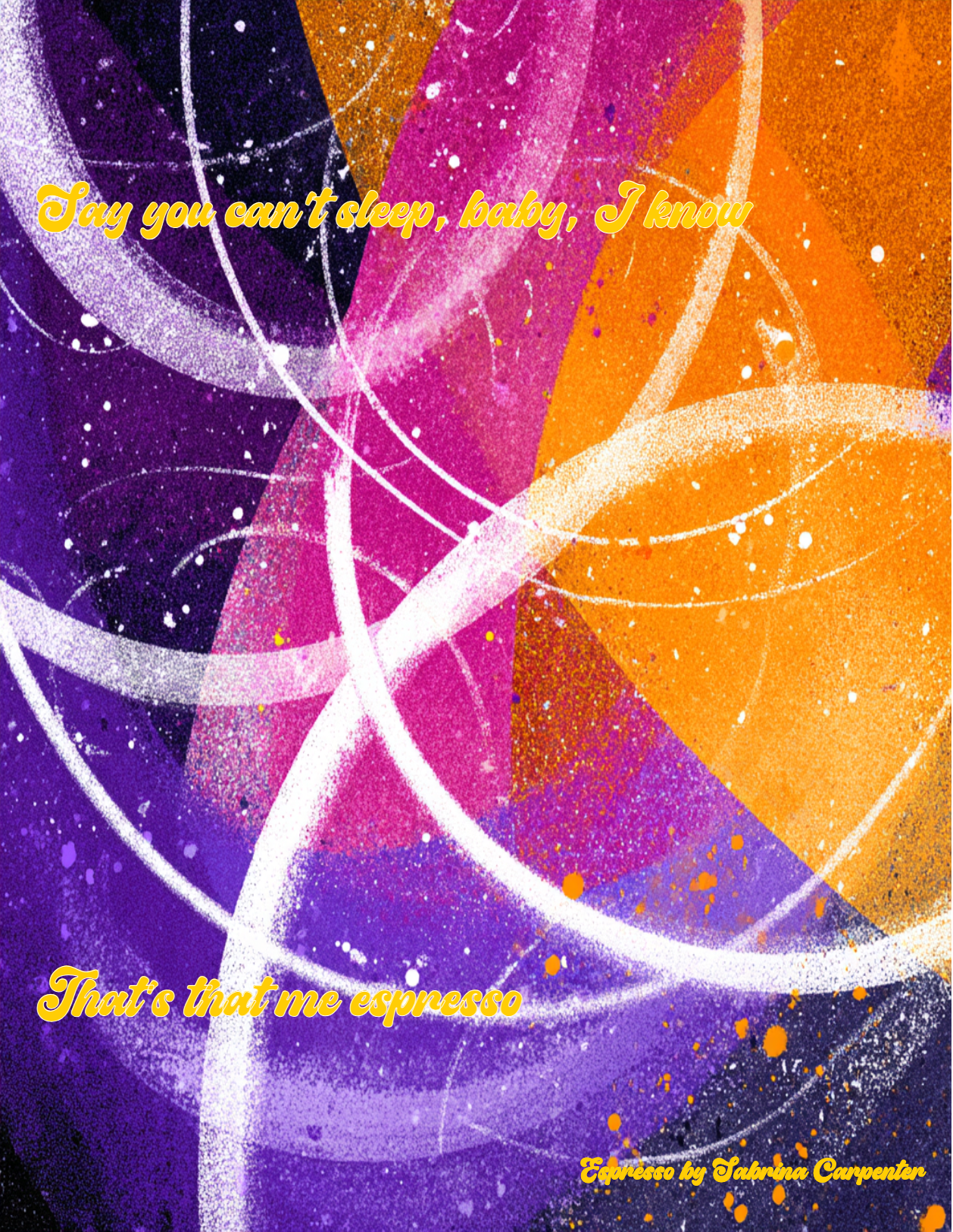
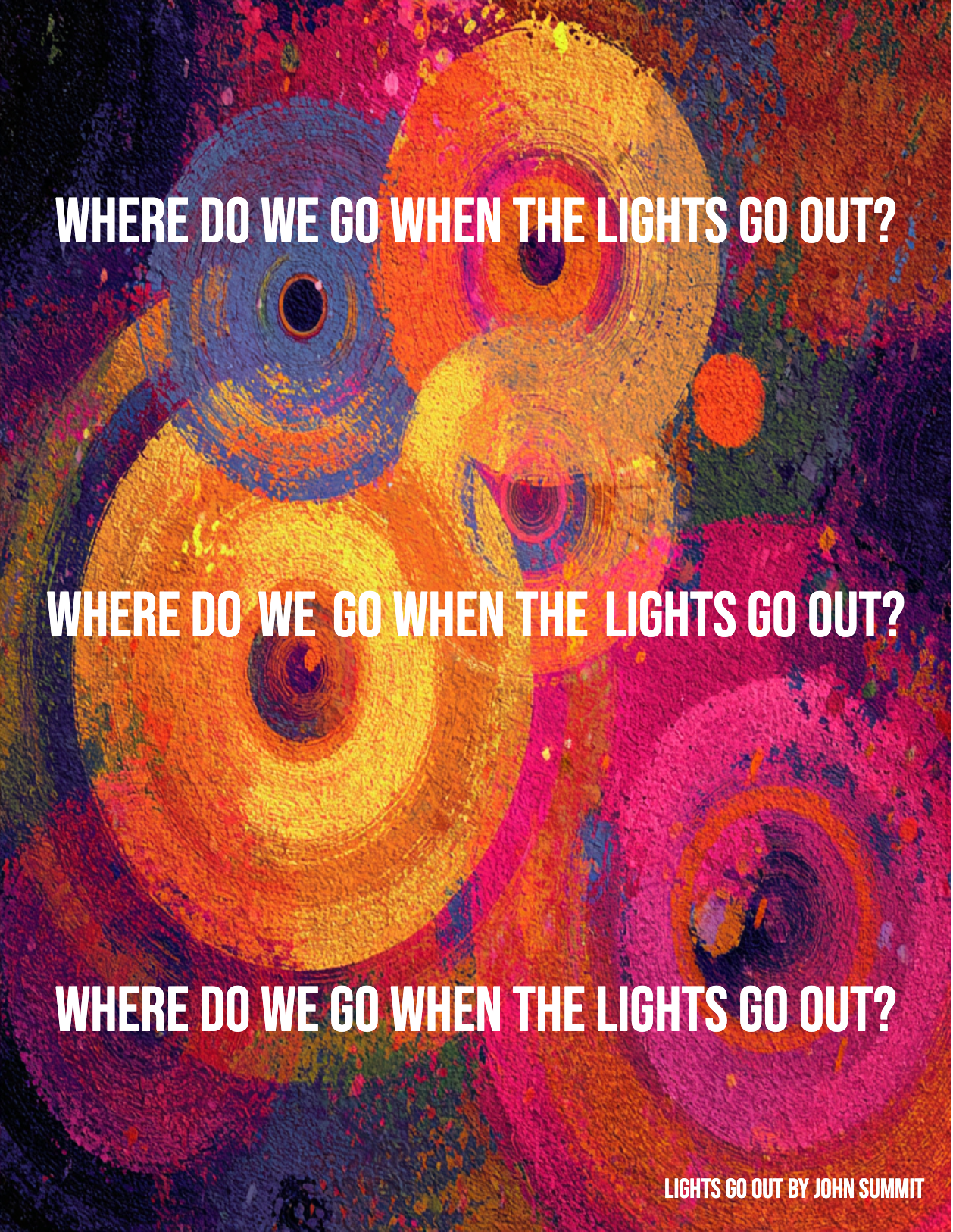
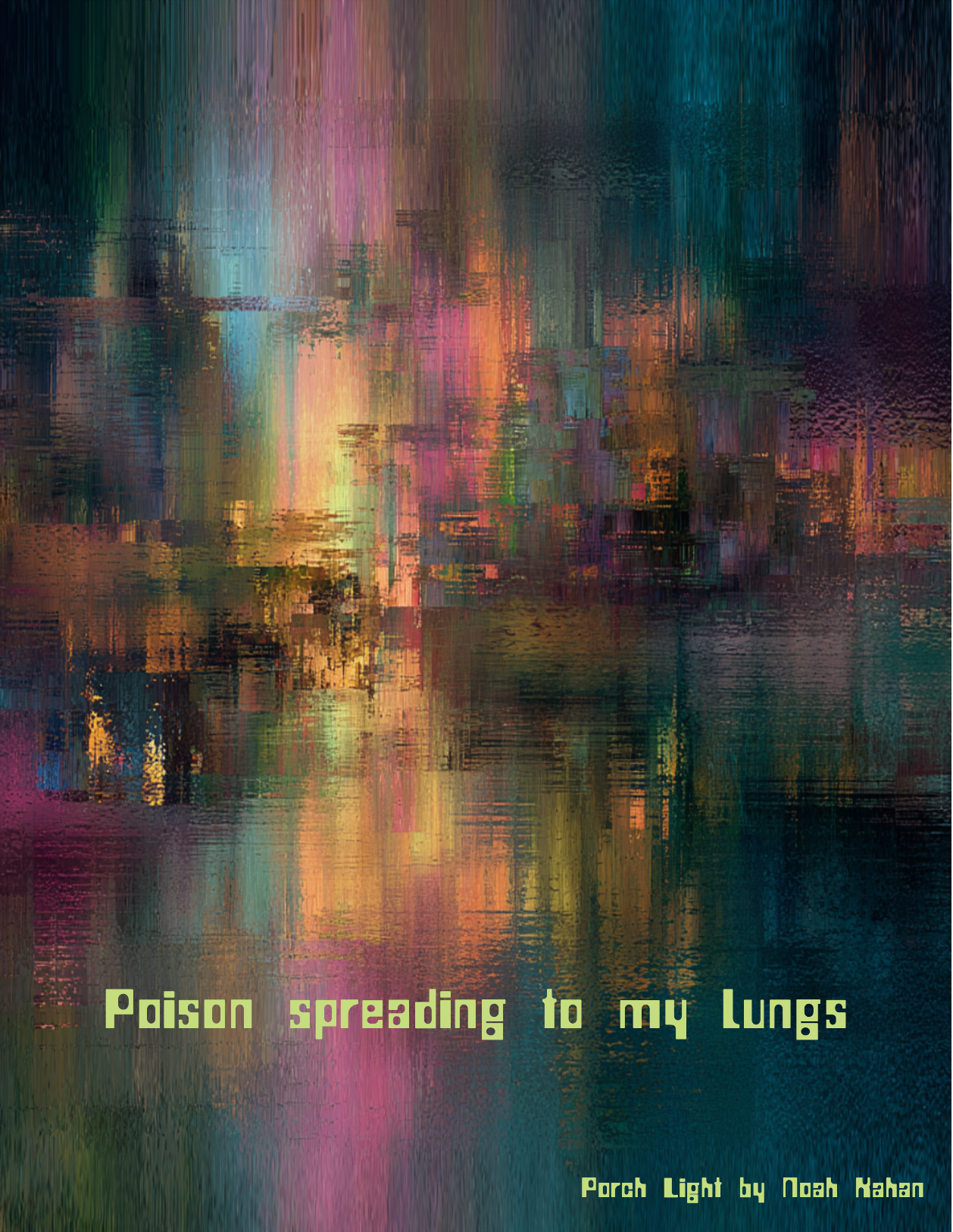
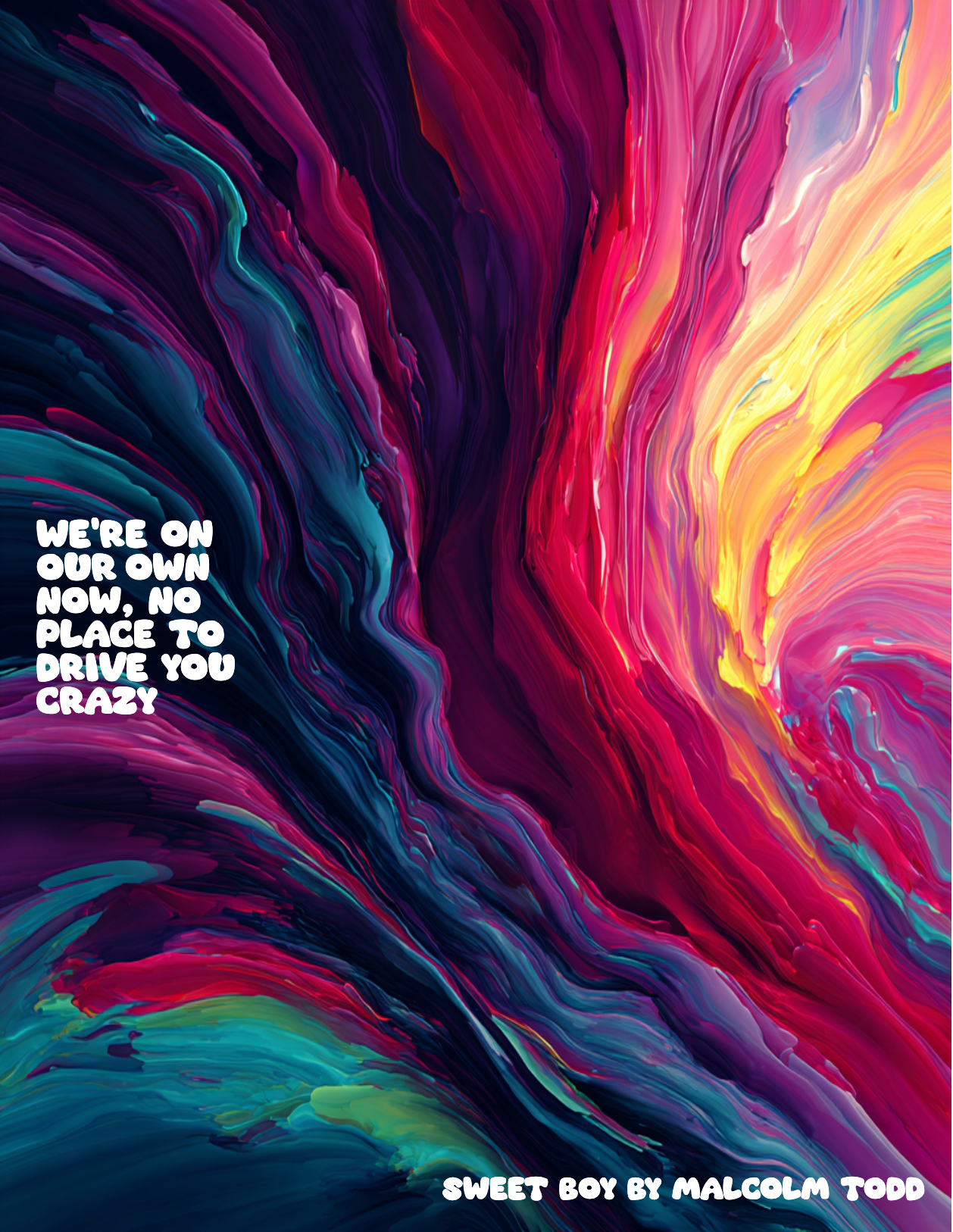
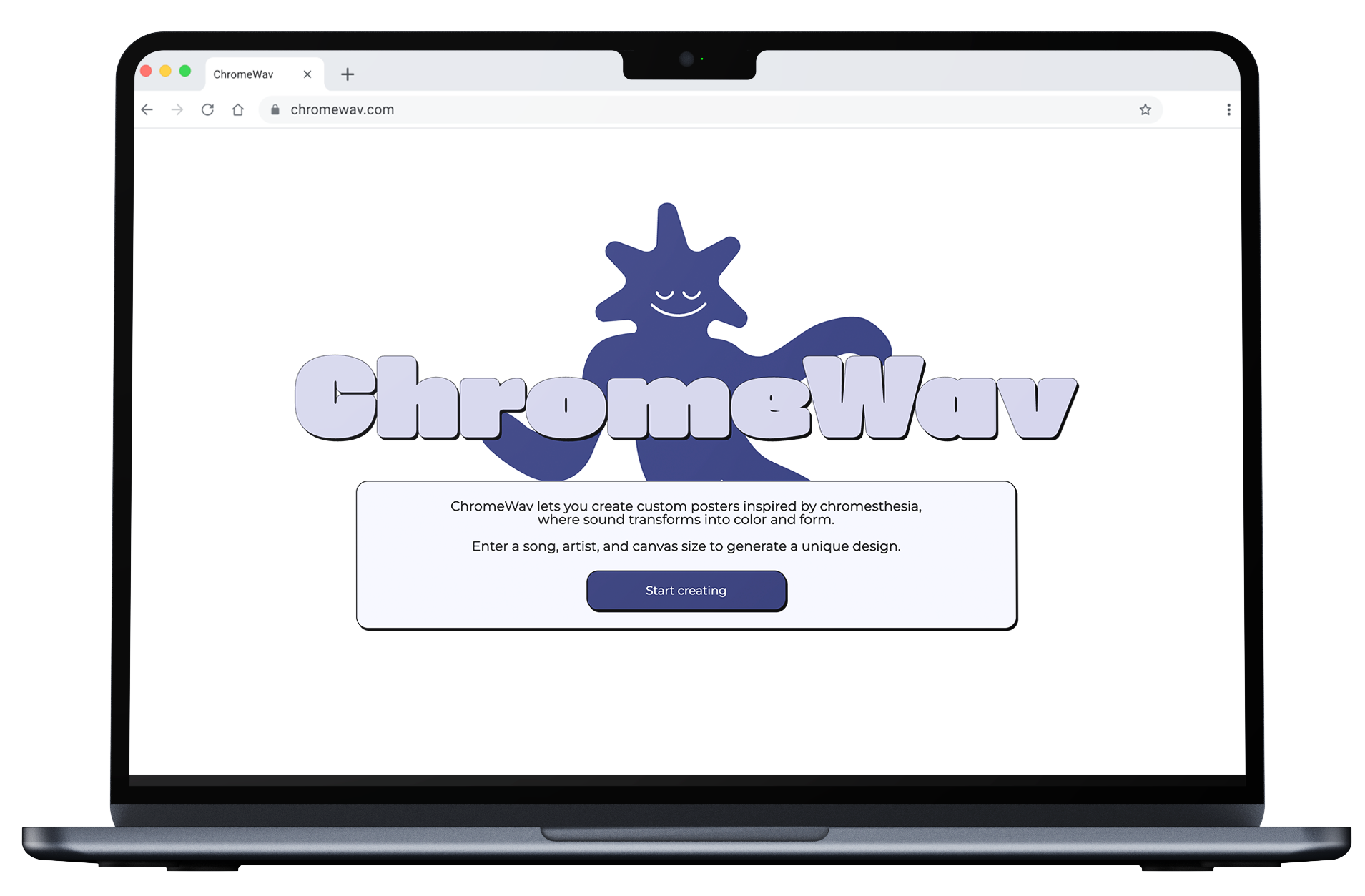
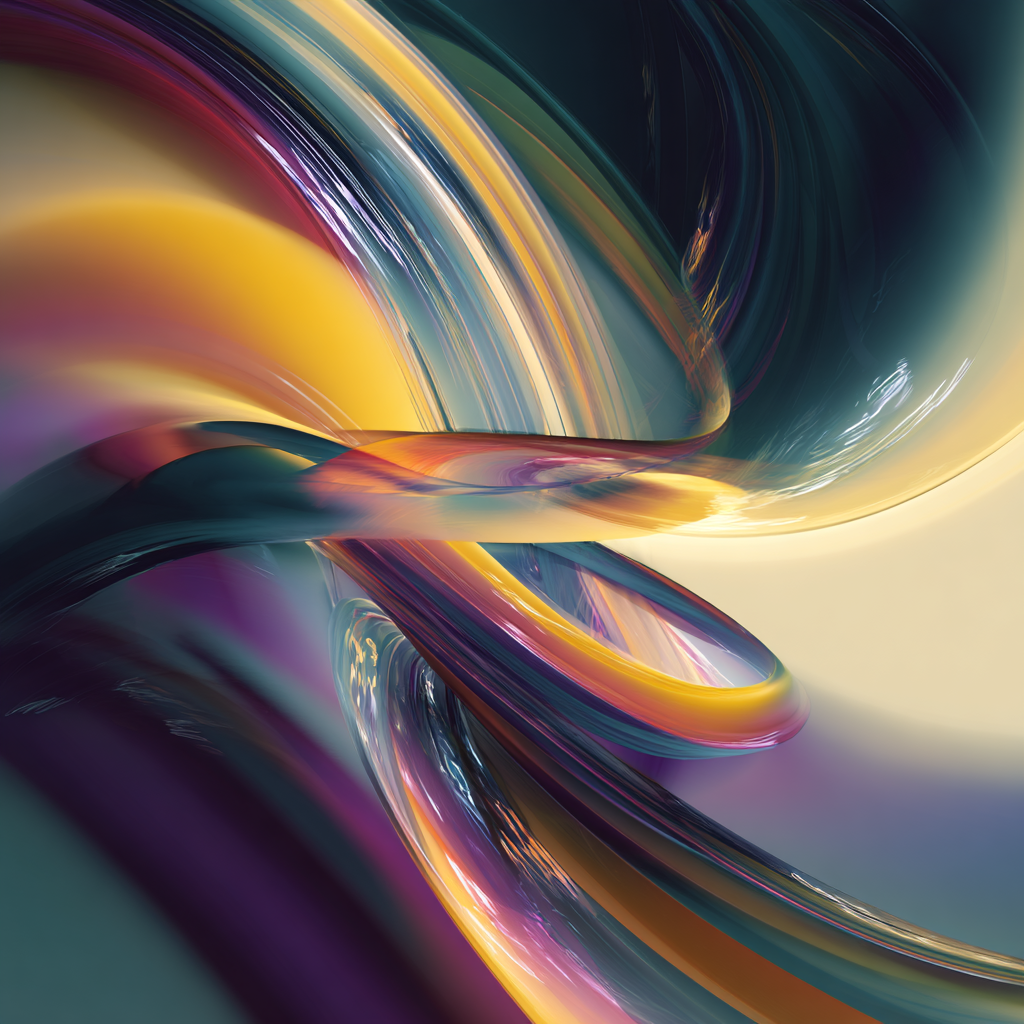
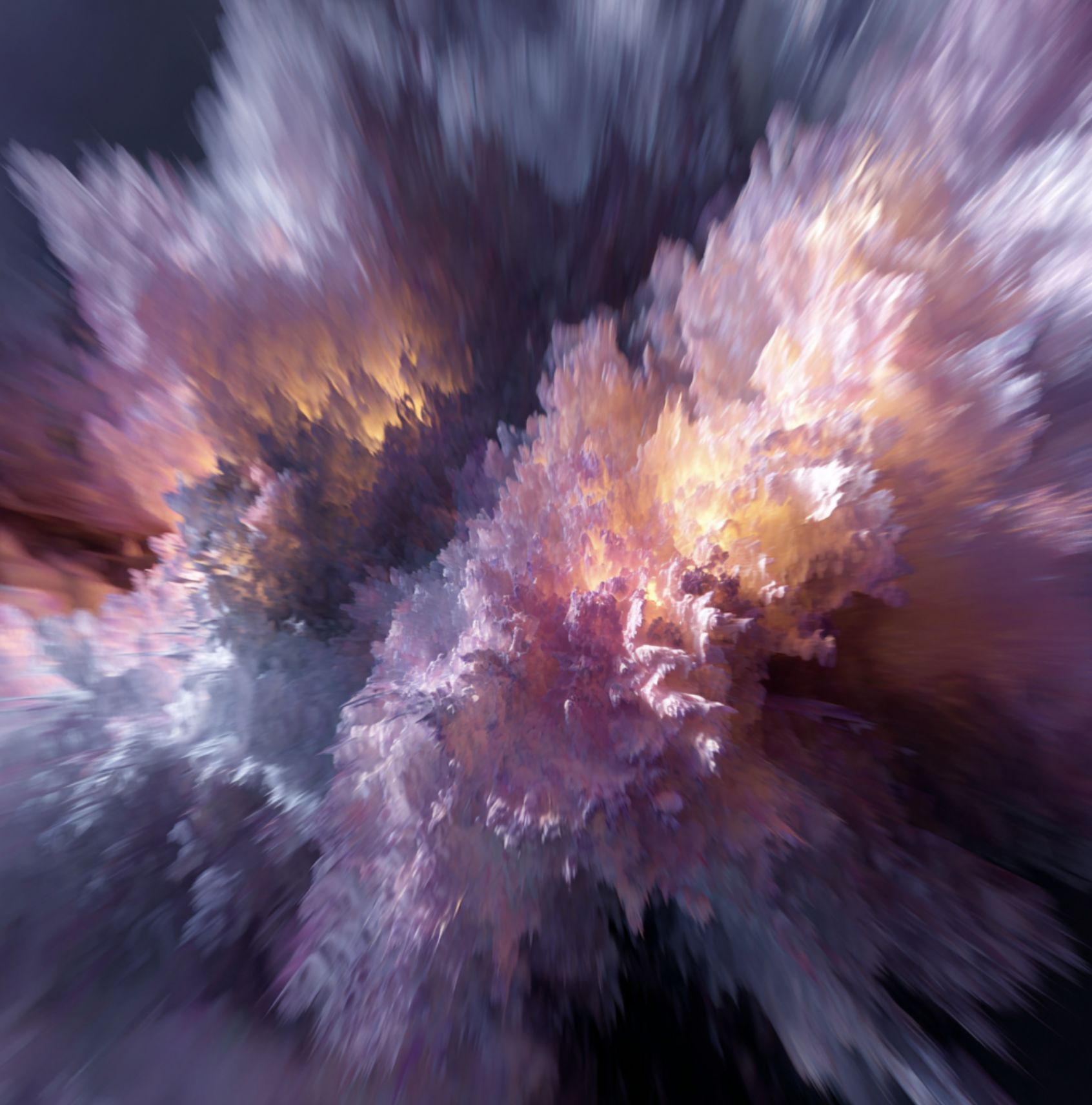
ChromeWav explores chromesthesia: the phenomenon where sounds, such as music, speech, or everyday noises, involuntarily trigger the perception of color. Building on this idea, ChromeWav transforms music into a customizable visual design tool.

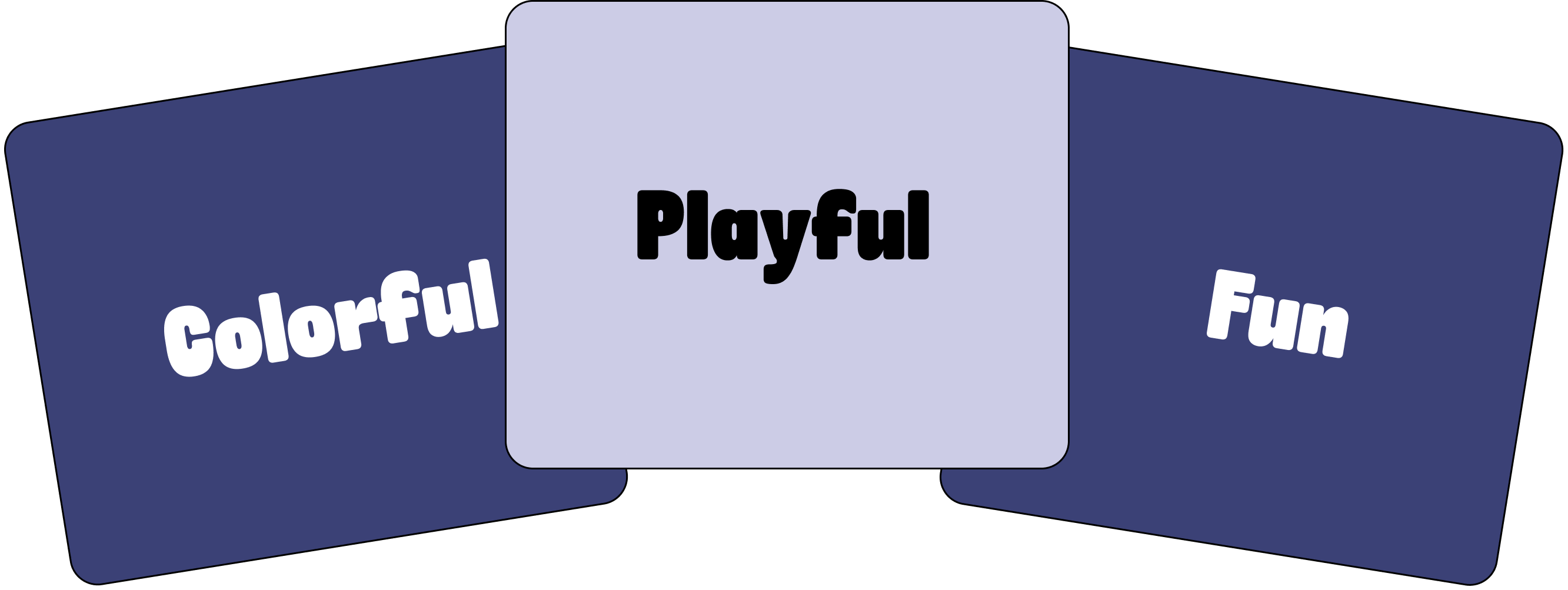
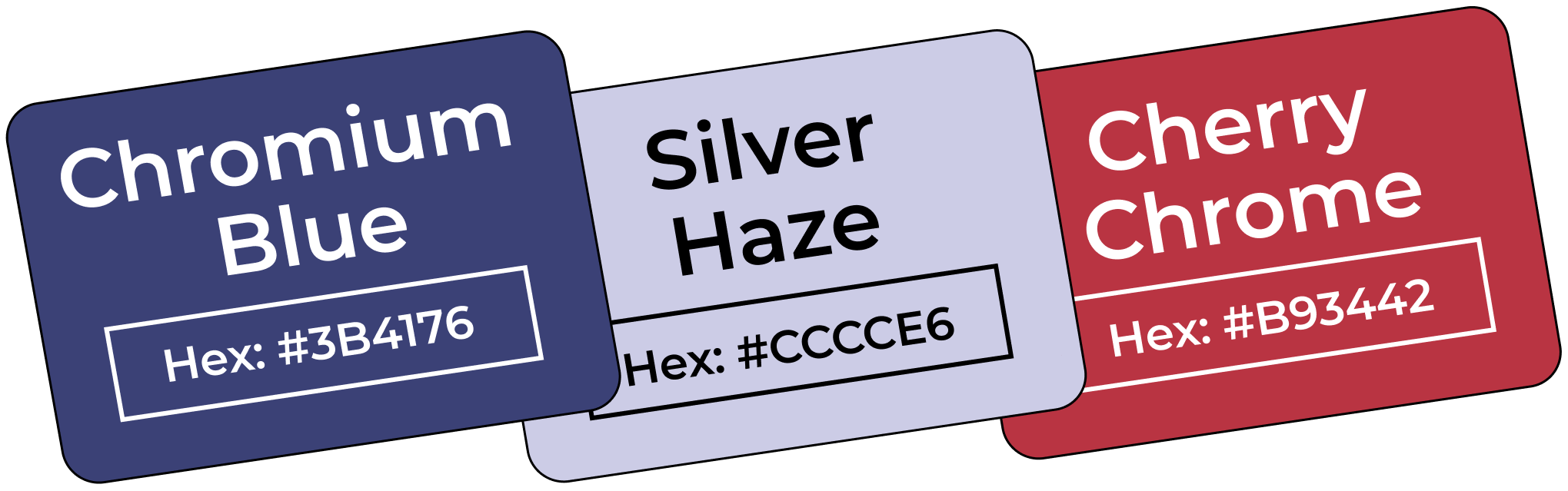
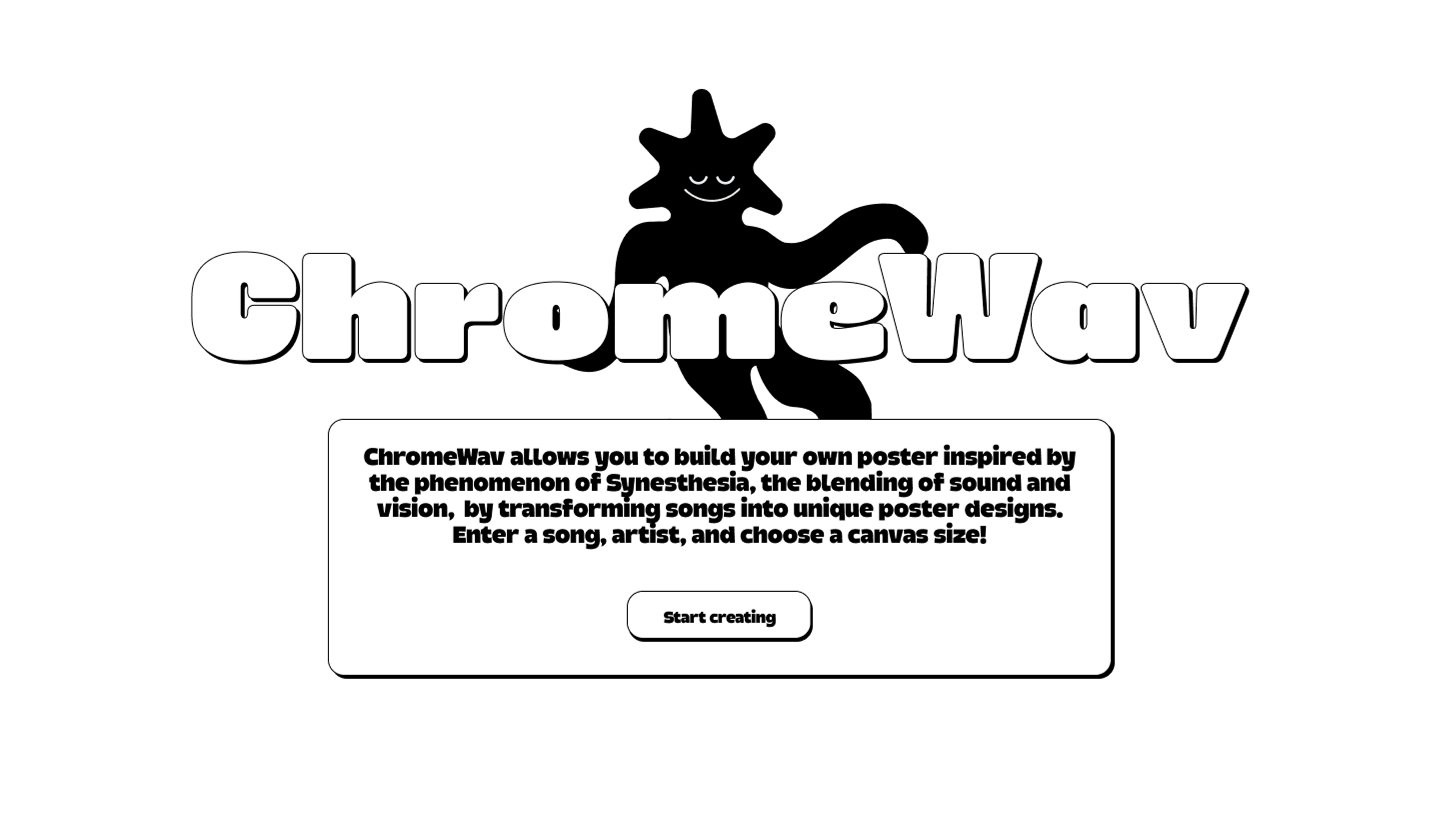
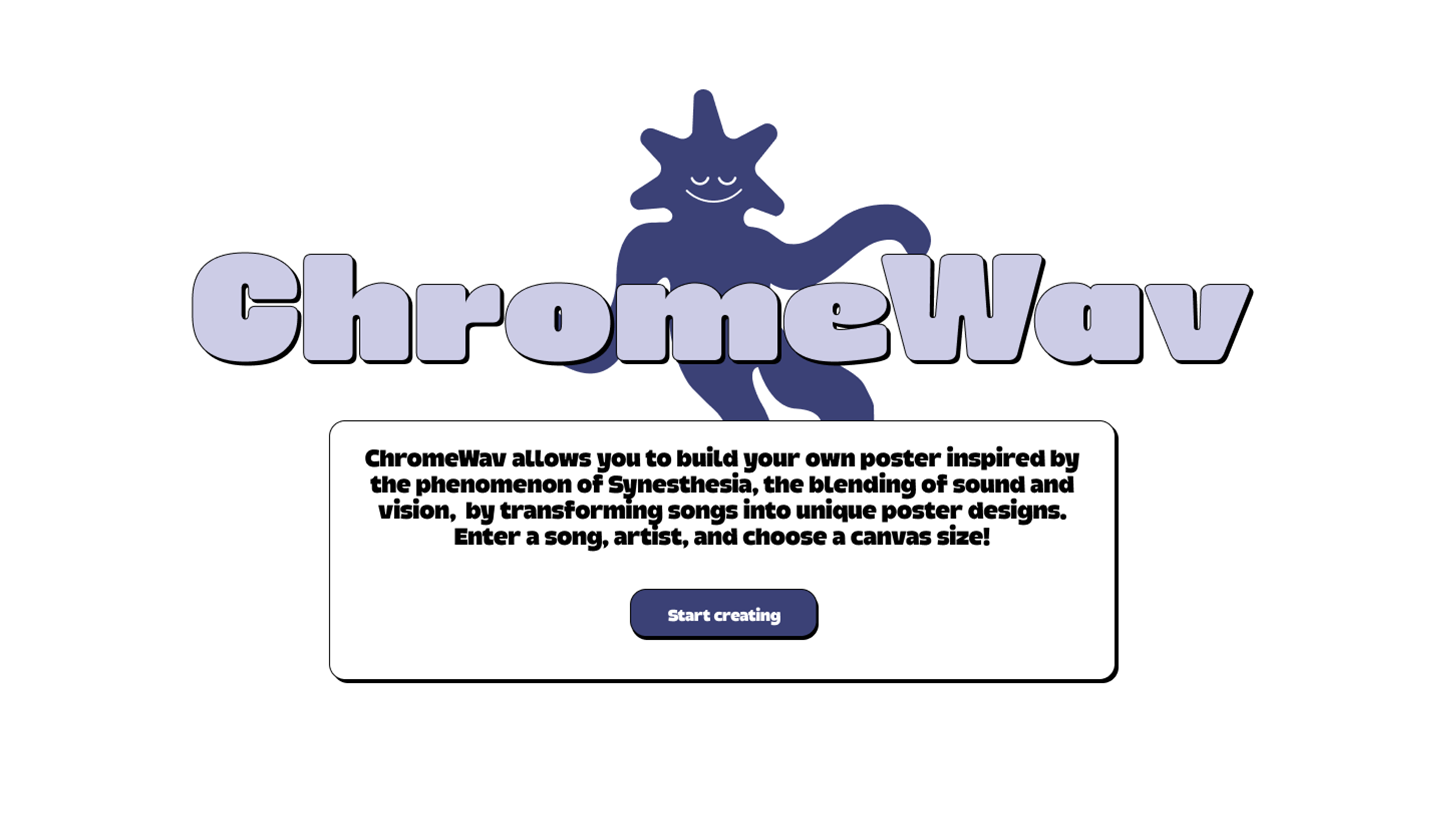
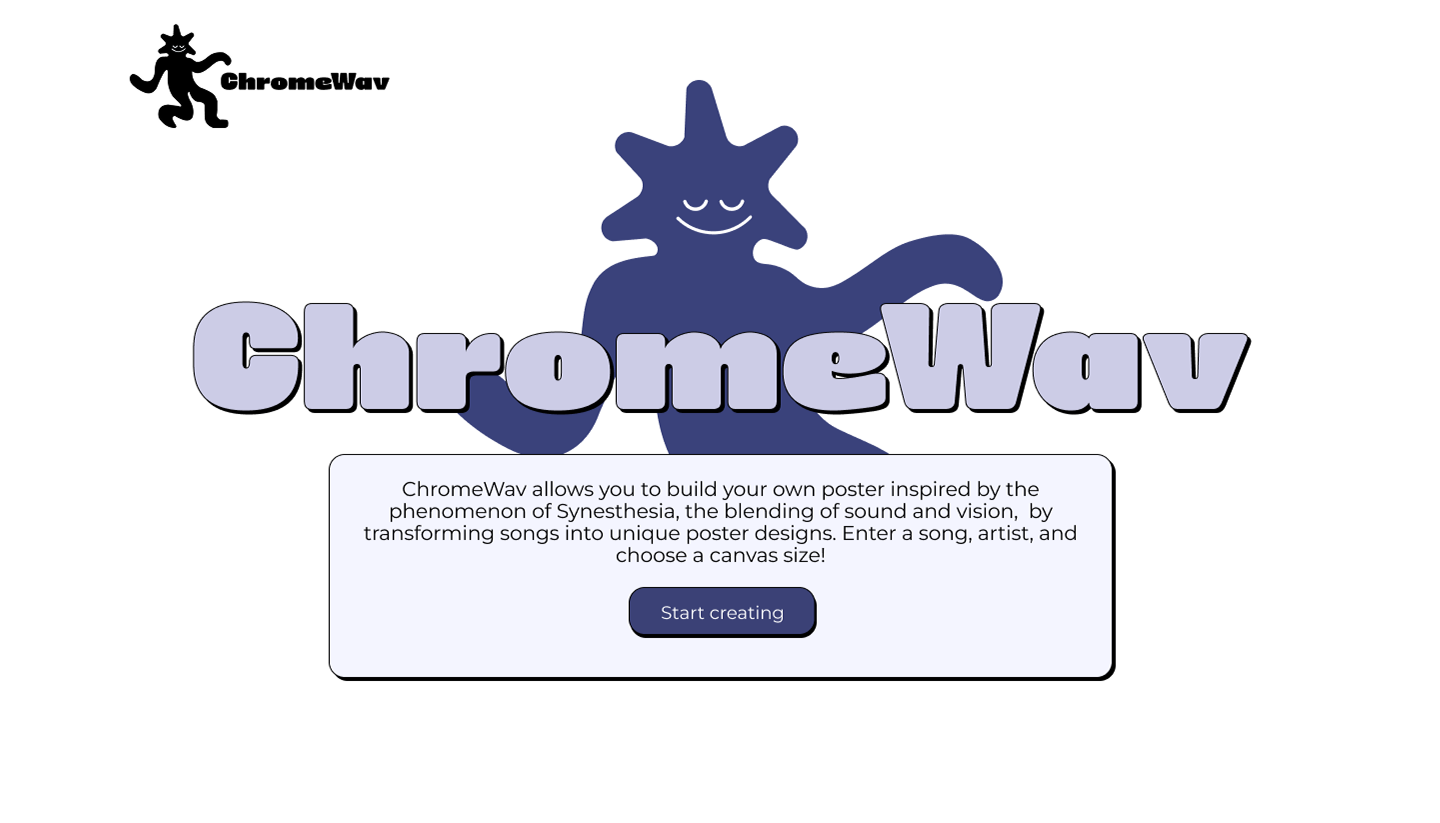
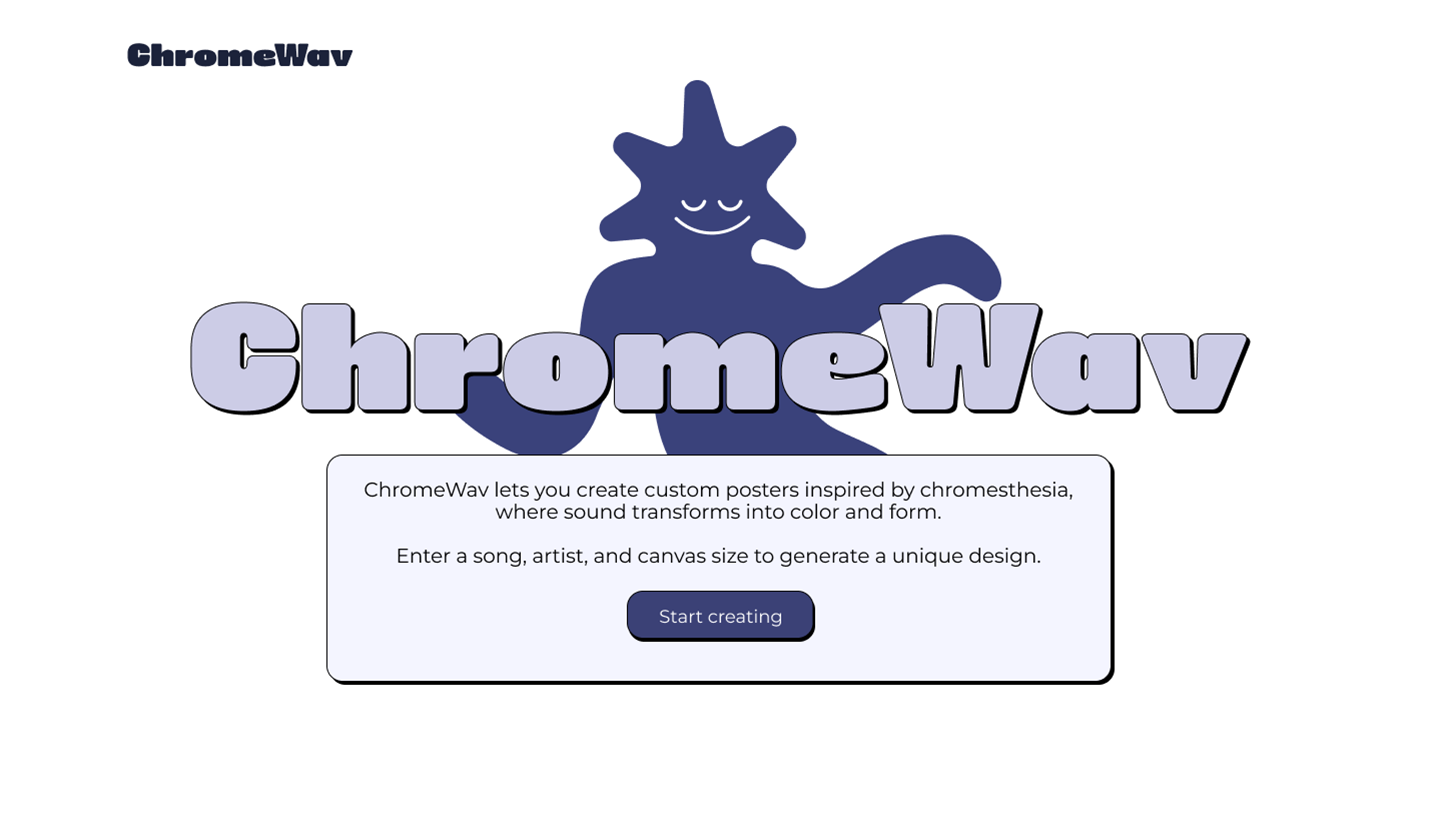
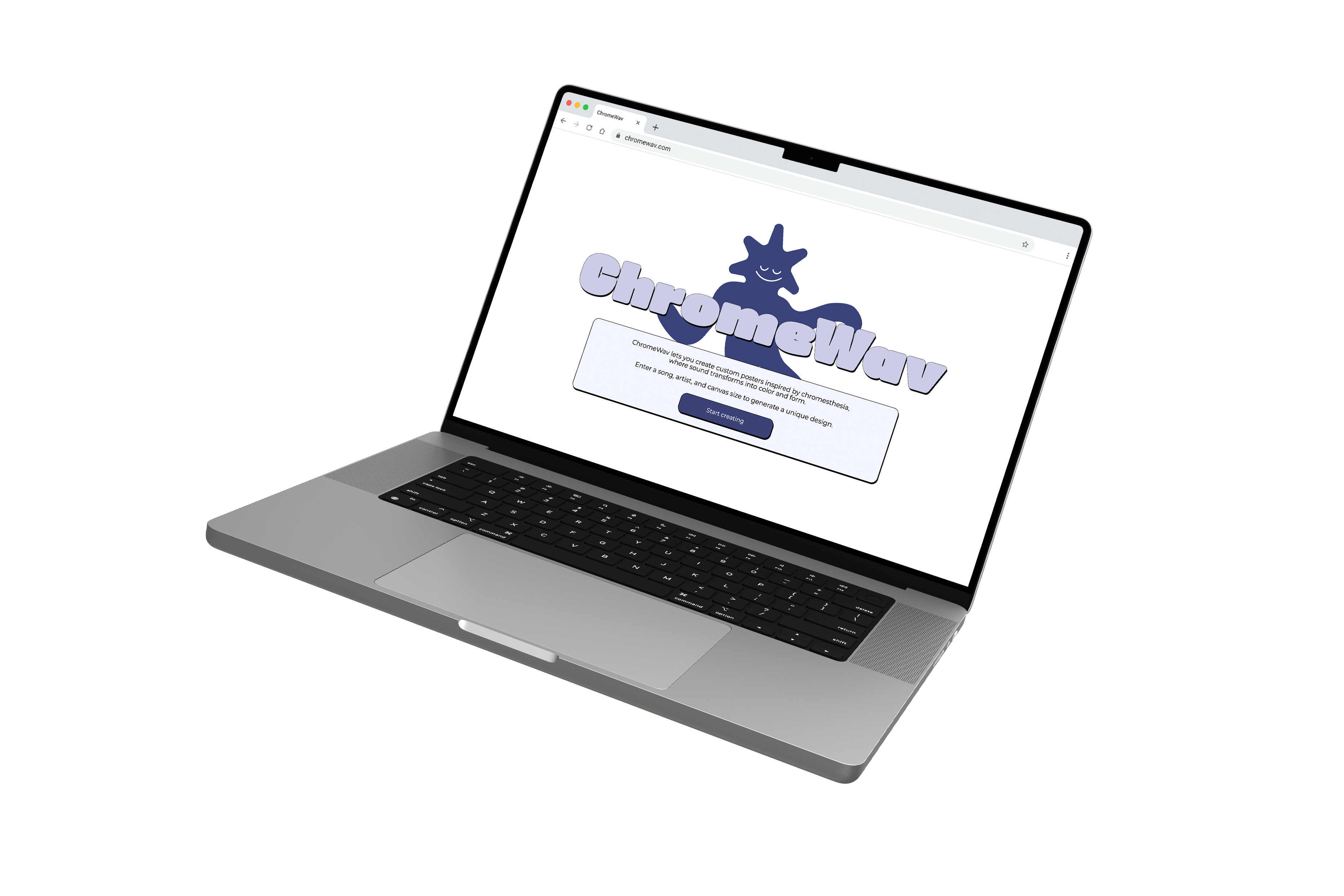
For ChromeWav's branding direction, we focused on what our audience is naturally drawn to: color, expression, and a sense of playfulness. We explored color and typography options and ultimately selected choices that felt fun and approachable while remaining user-friendly across the interface. To reinforce the sense of playfulness and to add personality to the system, we also introduced a mascot, chromio!
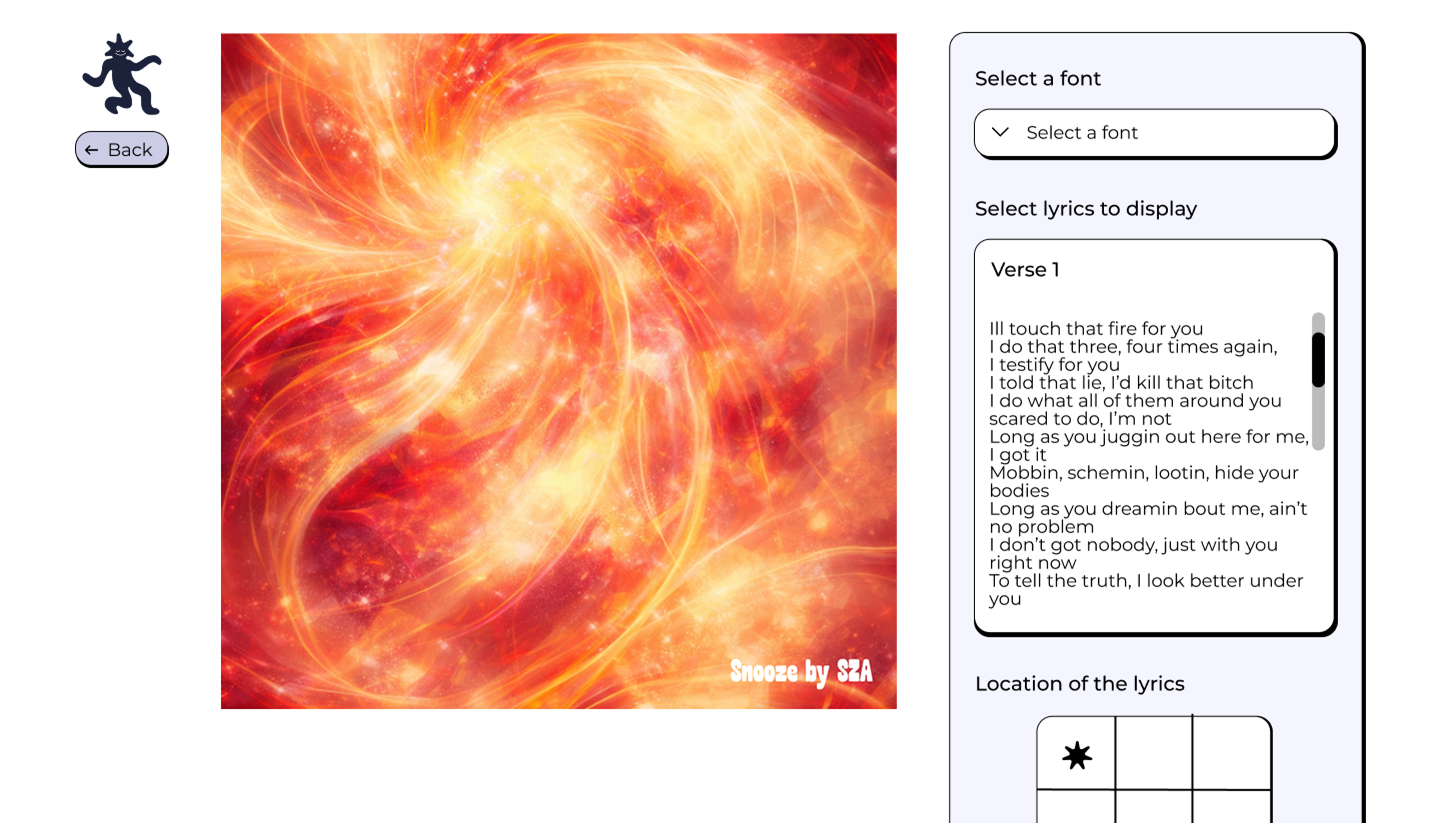
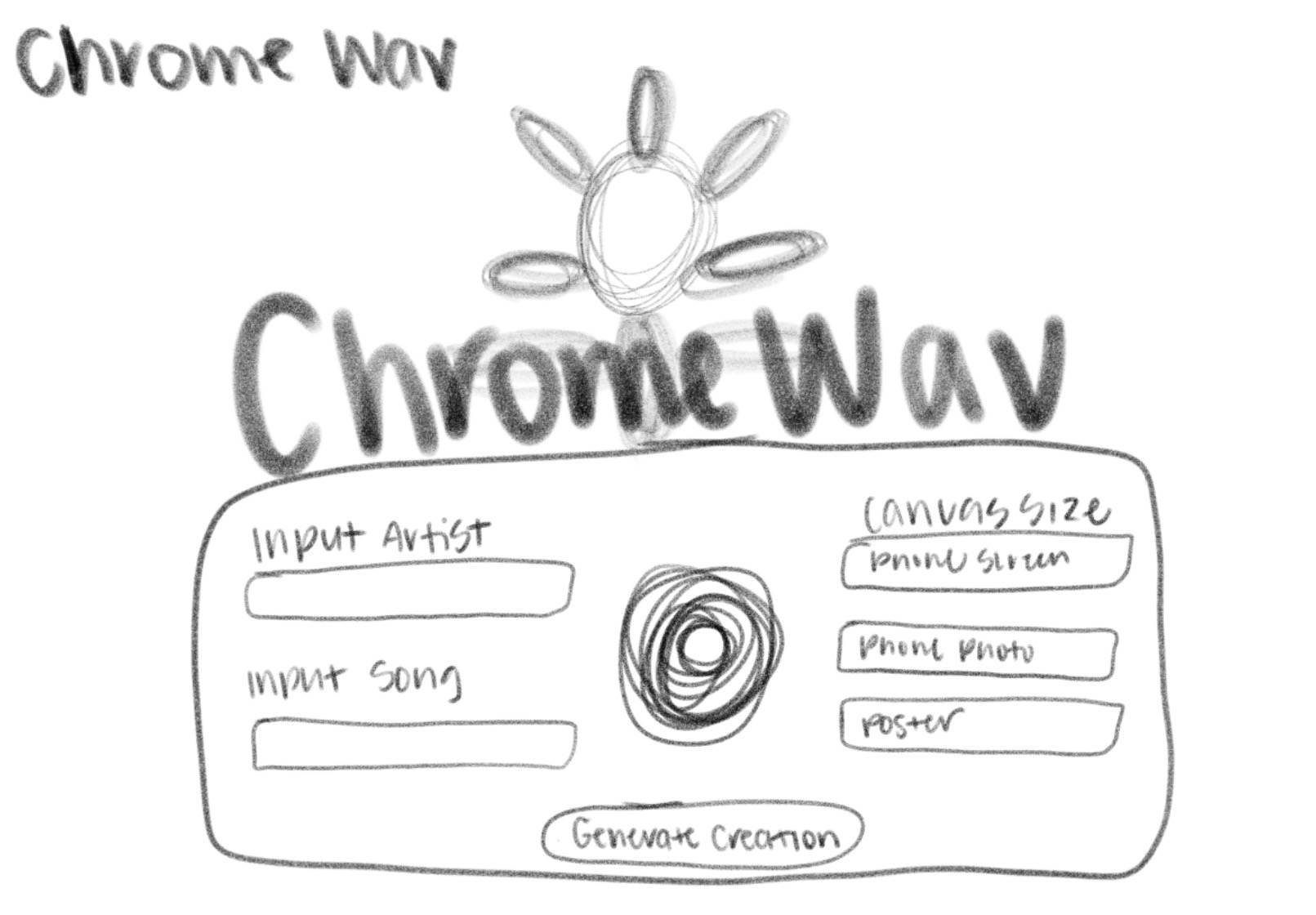
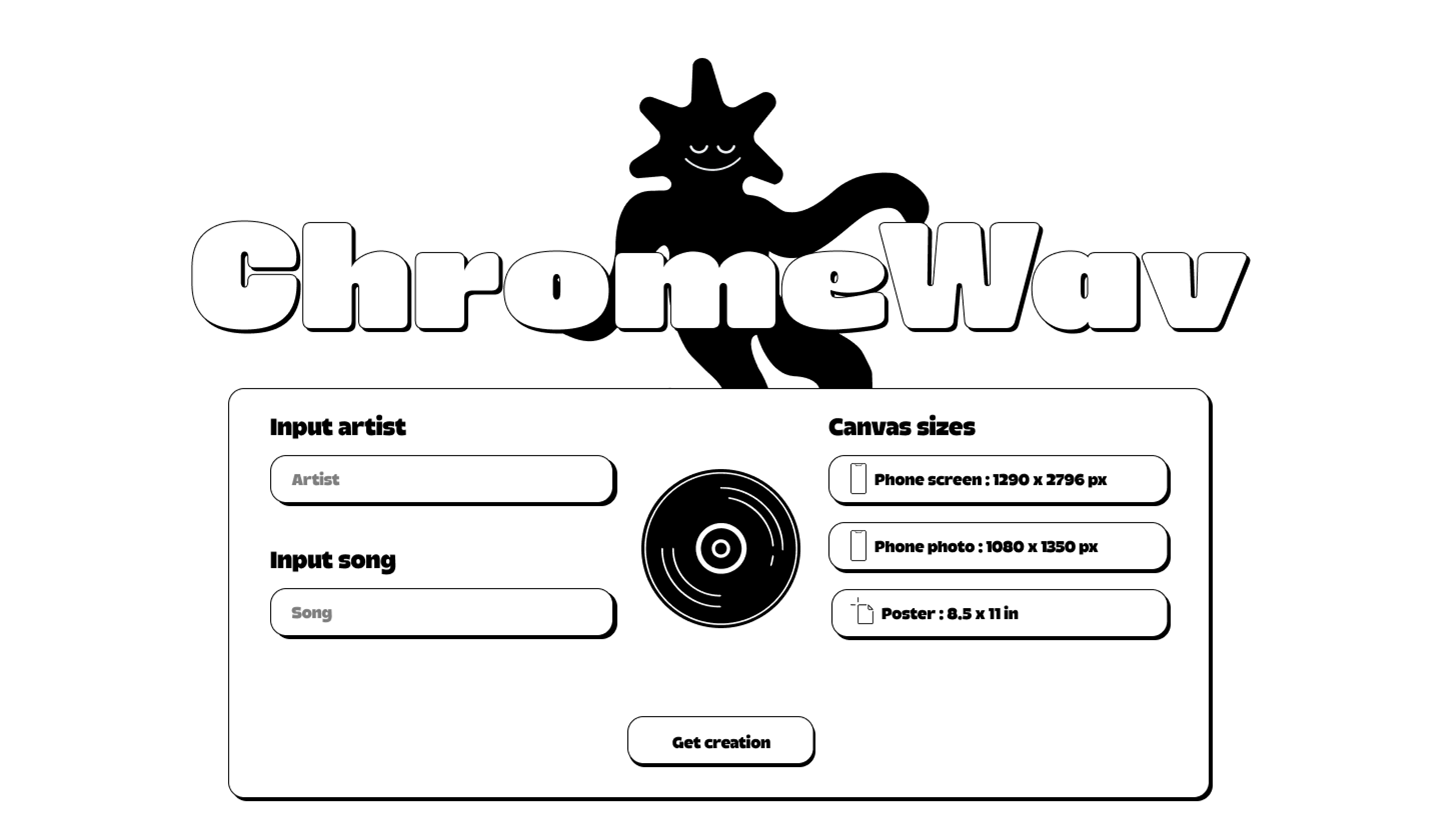
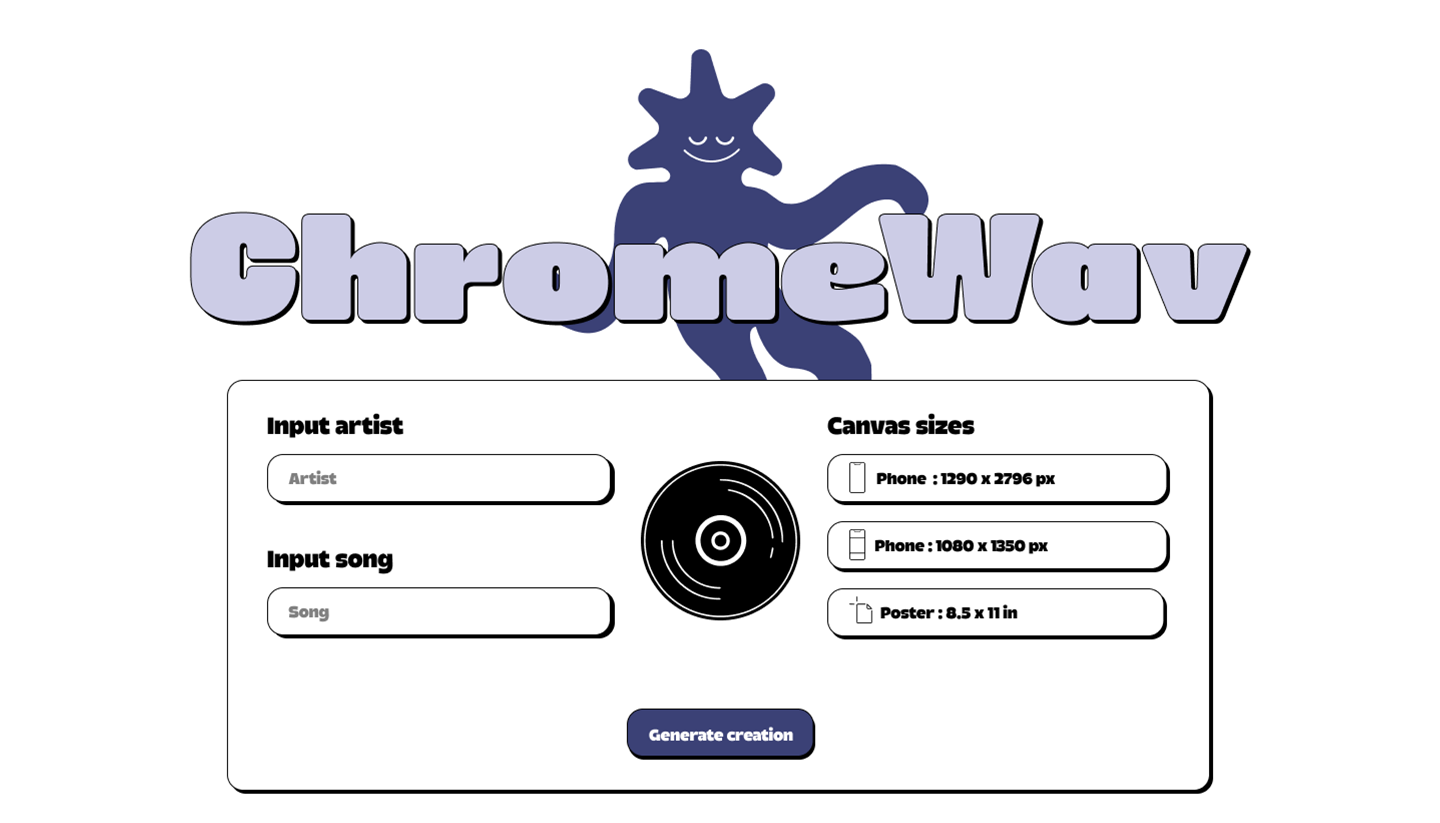
For the UI/UX direction, we focused on translating our brand into a clear and engaging user experience. Our goal was to create a site that feels simple and intuitive while still embracing the colorful, playful energy of ChromeWav.
For this project, we wanted to incorporate original design elements that users could interact with and customize in their own way. To support this, we created two custom typefaces that users can apply directly to the canvas when designing their poster.
Astro Sans is playful and bubbly, aligning with the brand through its rounded cutouts and soft corners, giving it a friendly and expressive feel.
ABCDEFGHIJKLM
NOPQRSTUVW
XYZ
abcdefghijklmno
pqrstuvwxyz
Nova Sans takes a more geometric approach, featuring cleaner shapes and circular counters to produce a more structured look.
ABCDEFGHIJKL
MNOPQRSTUV
WXYZ
abcdefghijklmno
pqrstuvwxyz
To make the generated graphics stand out from the rest of the UI, we designed the interface to be simple with minimal colors.
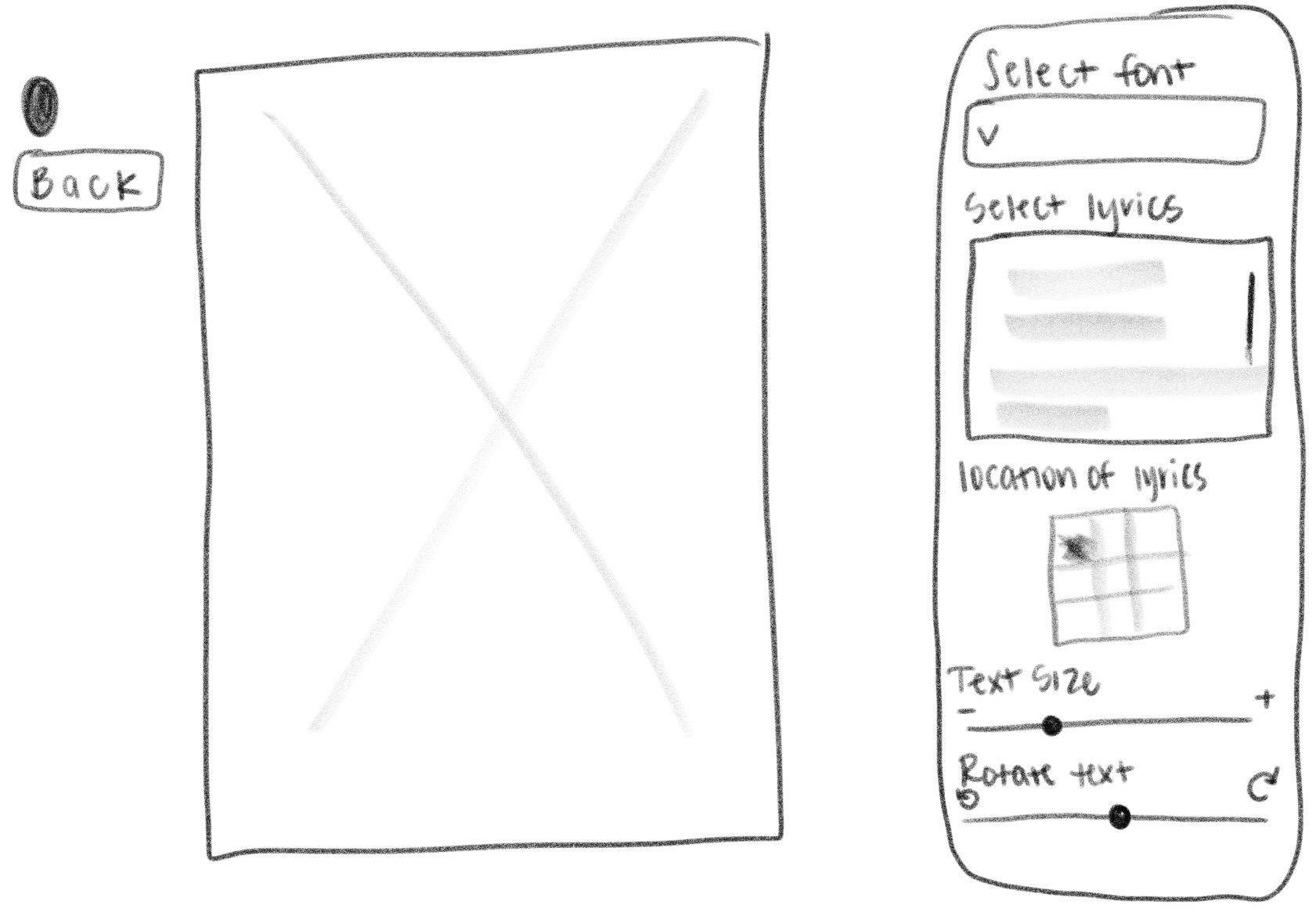
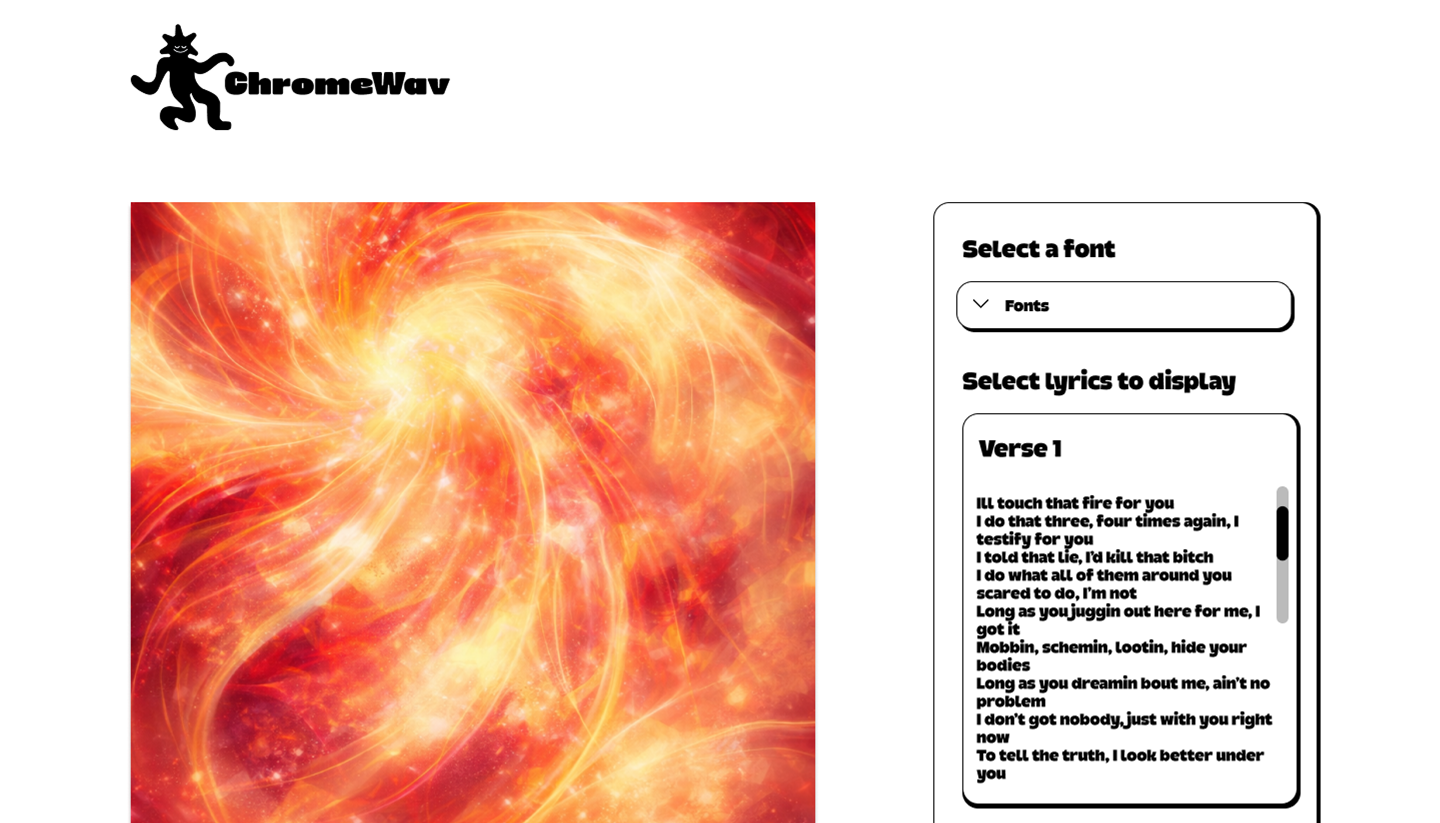
While still keeping the design simple, we added minimal amounts of color and added more customization options on the graphics page to provide more user freedom.
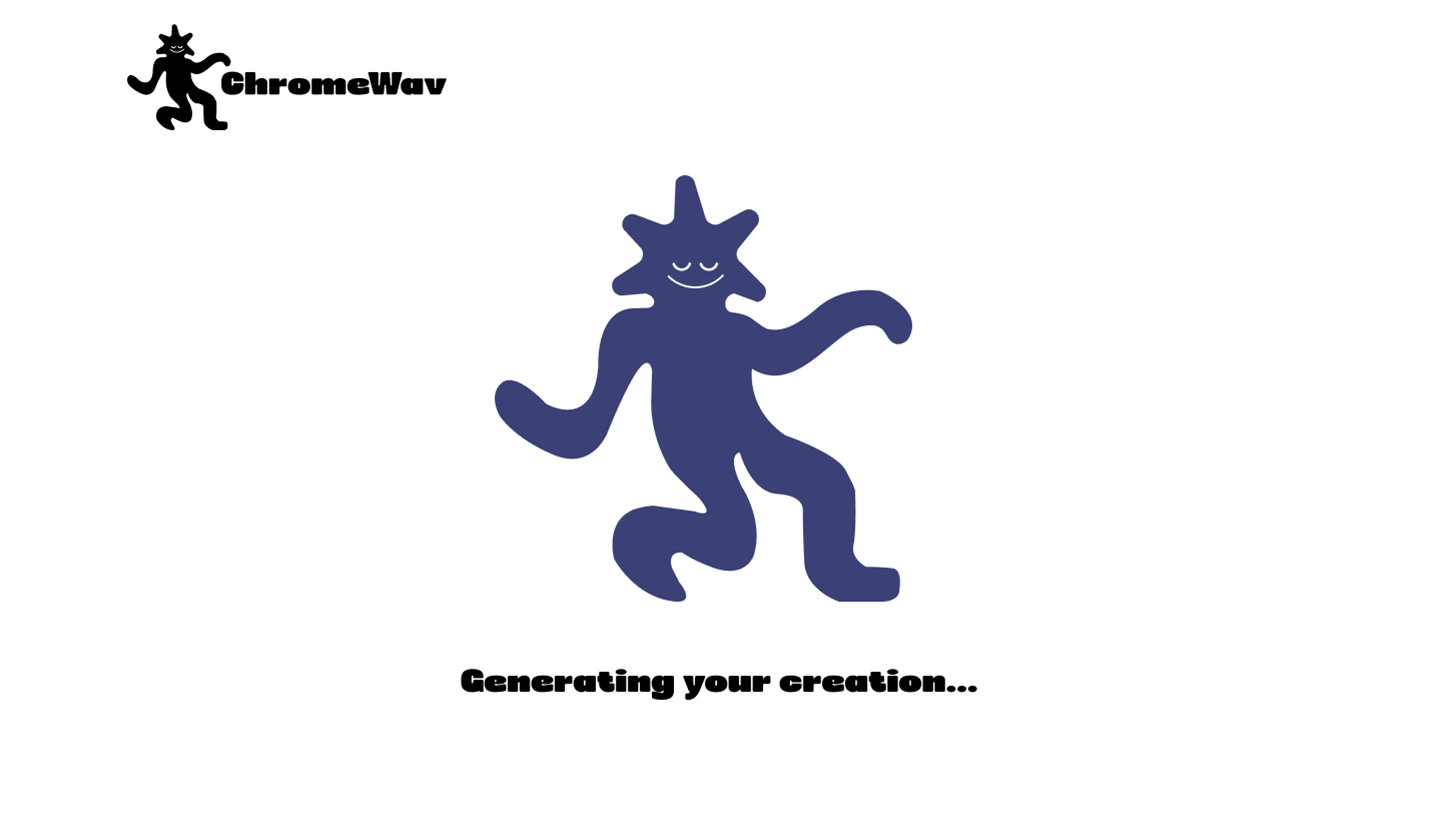
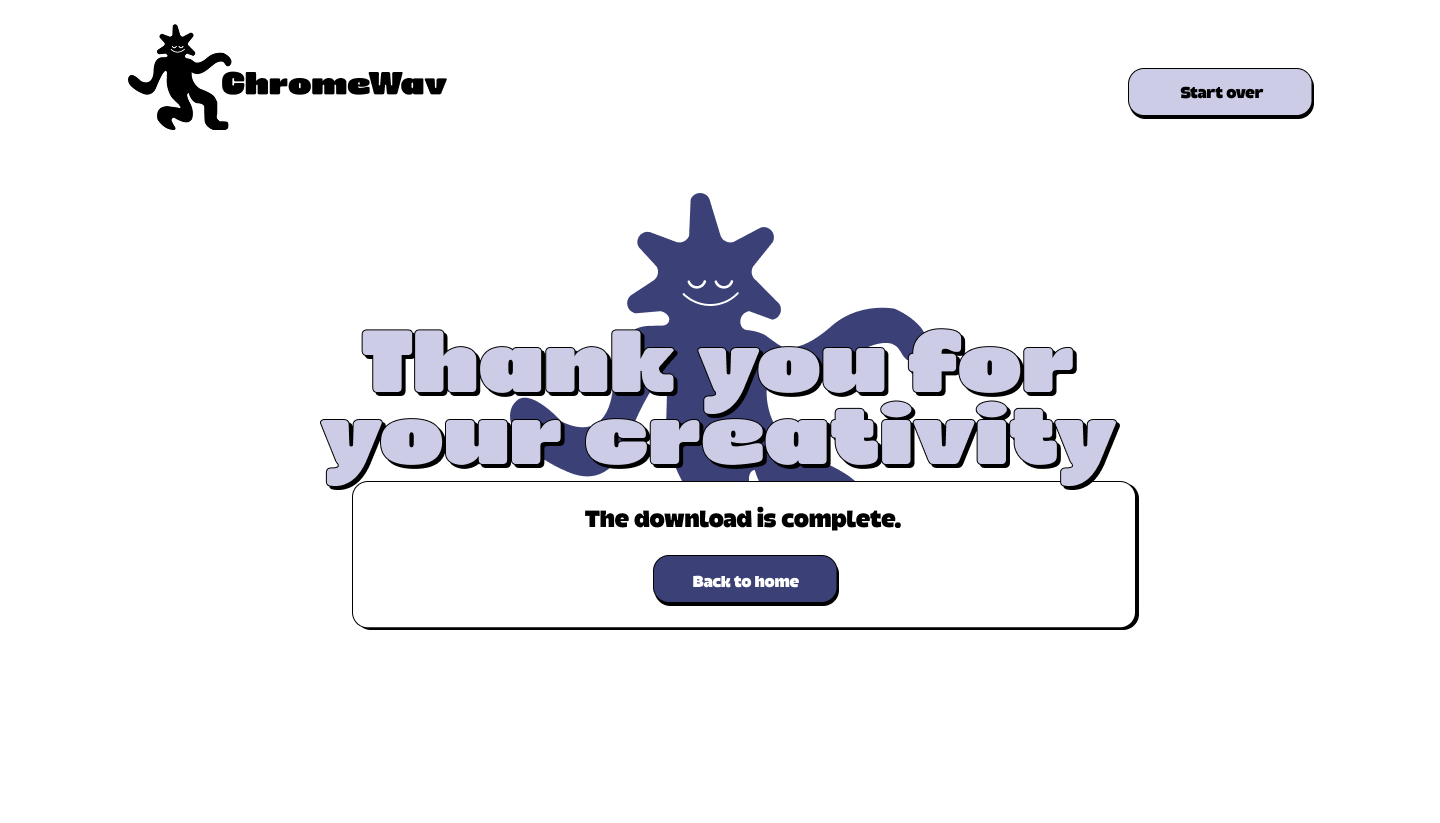
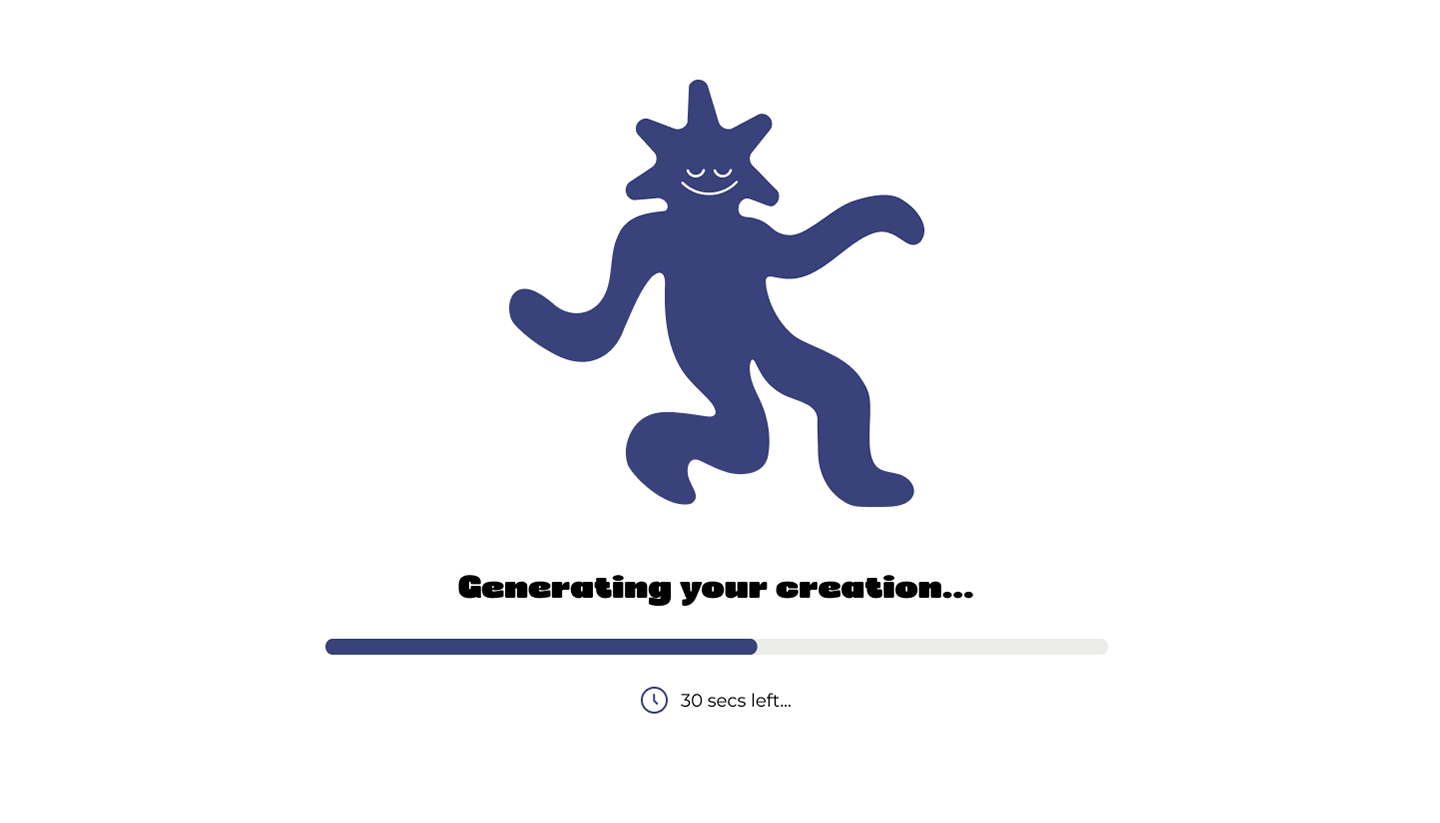
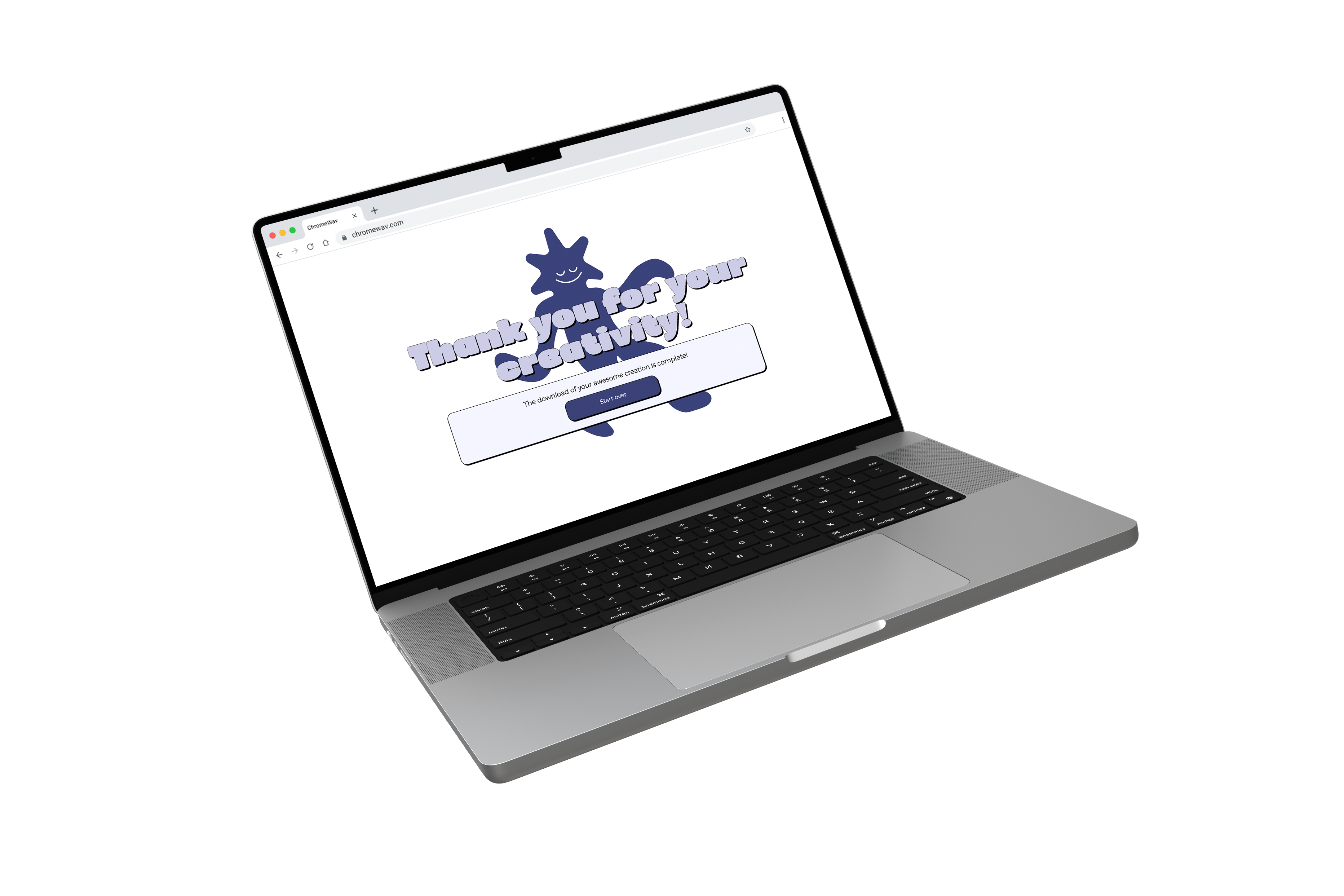
To enhance communication between the site and our users, we implemented loading screens to provide visual feedback, and we continued to develop the graphics page UI.
For the final version, we added another color to the interface and changed the layout to ensure that the full generated graphic on the graphics page is the first thing the user sees and is the main focus.
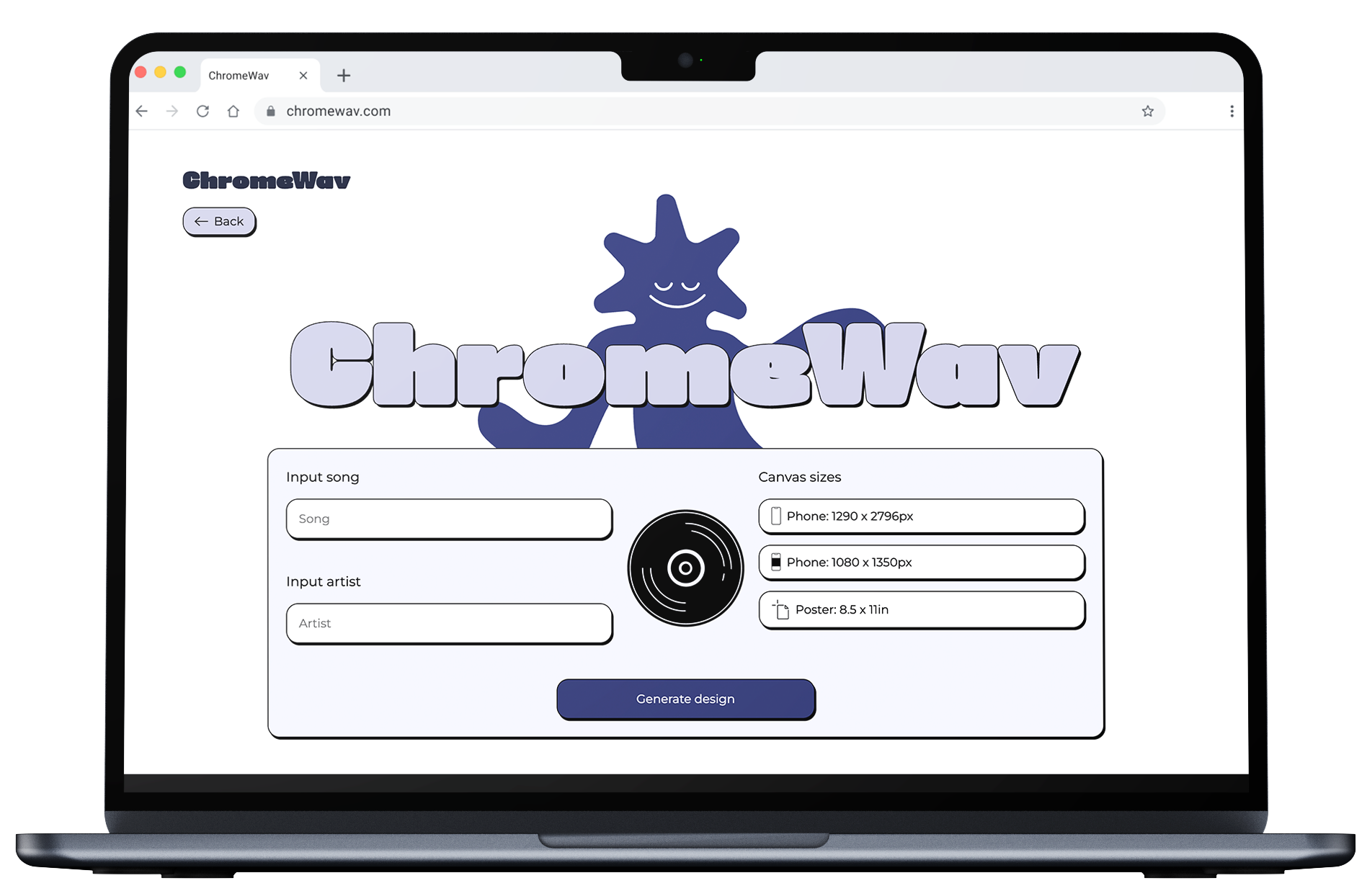
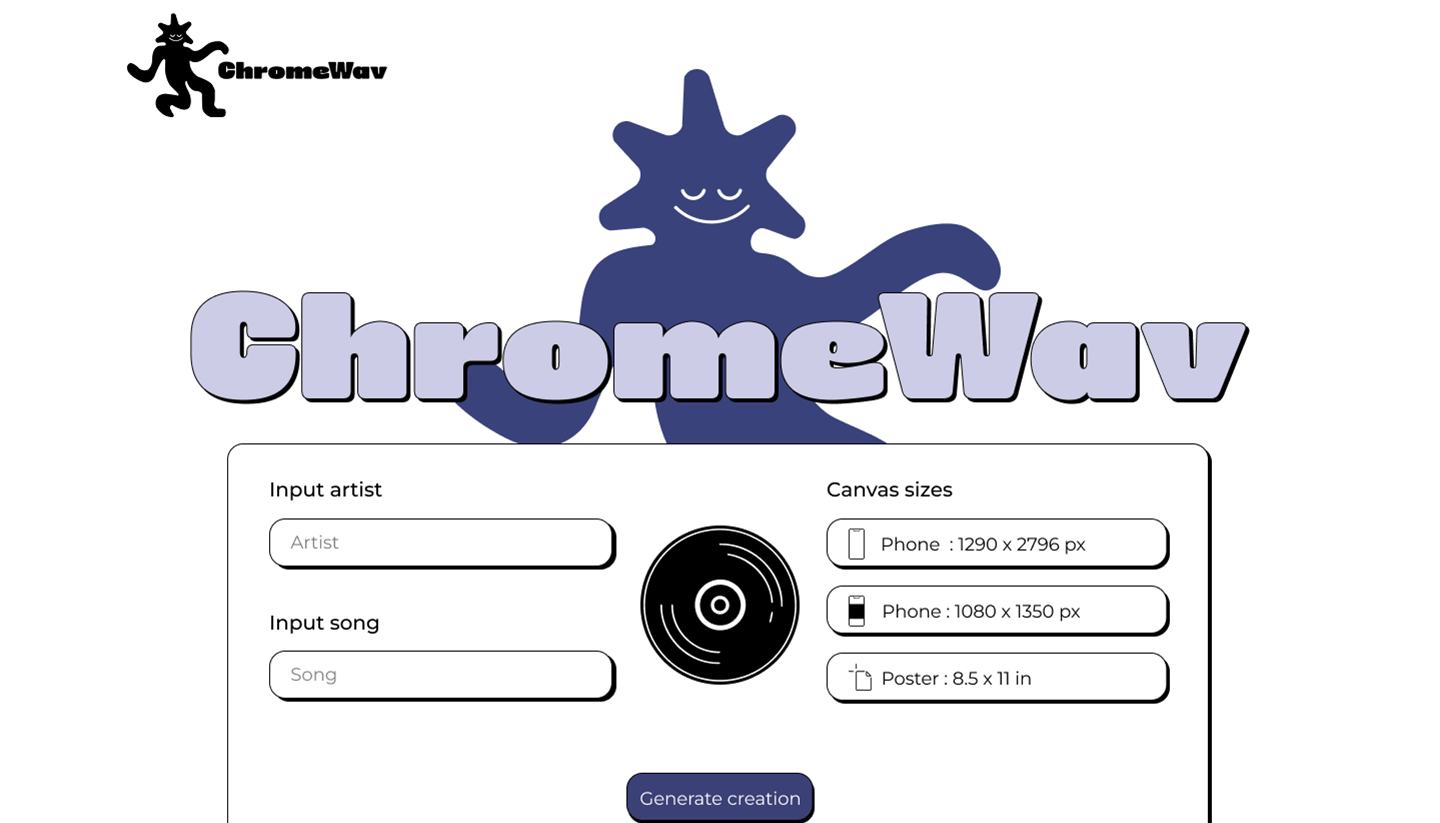
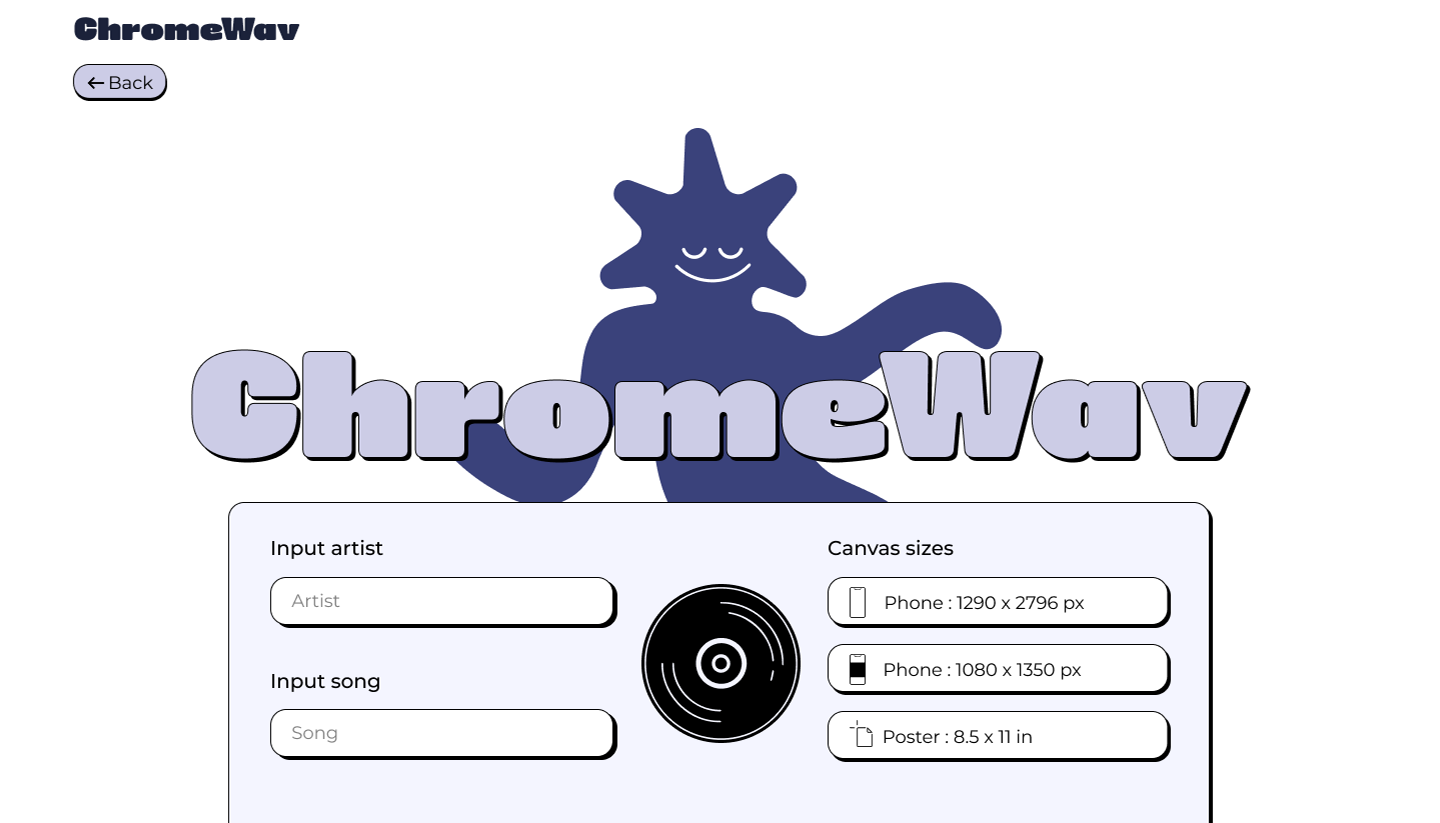
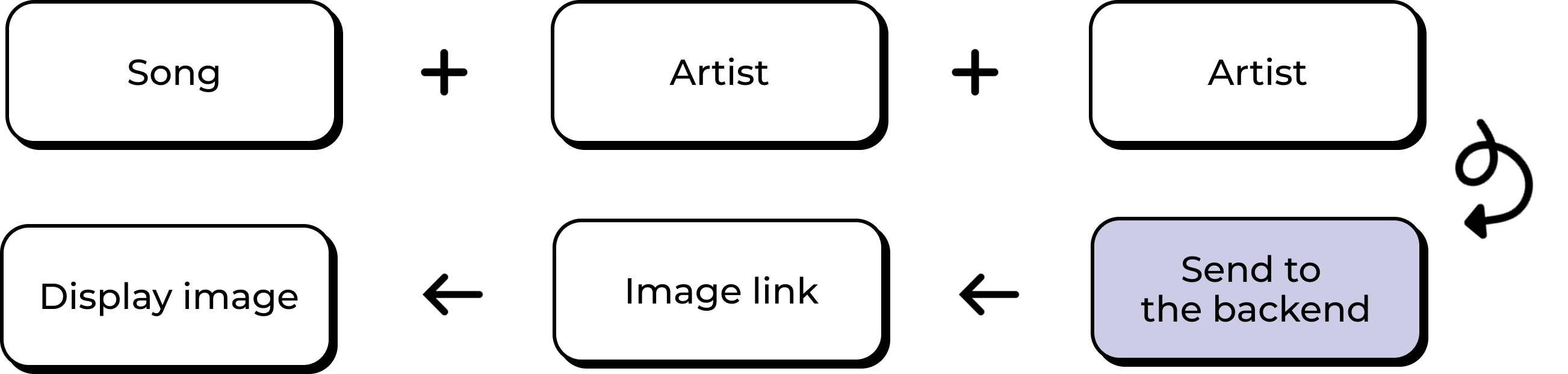
Users begin by selecting a song and choosing from predefined canvas sizes. This input is sent to the backend, where the generation process begins.
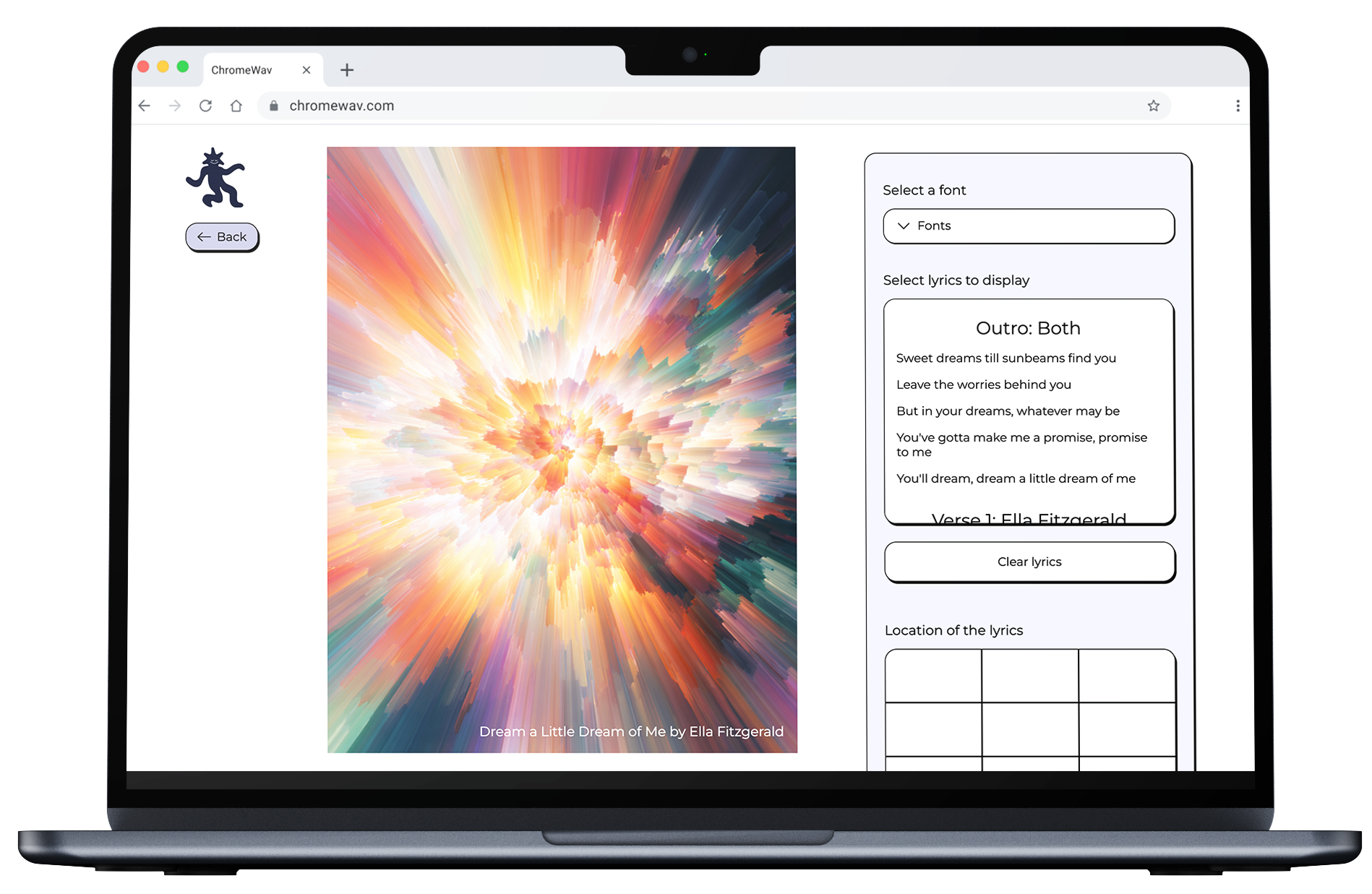
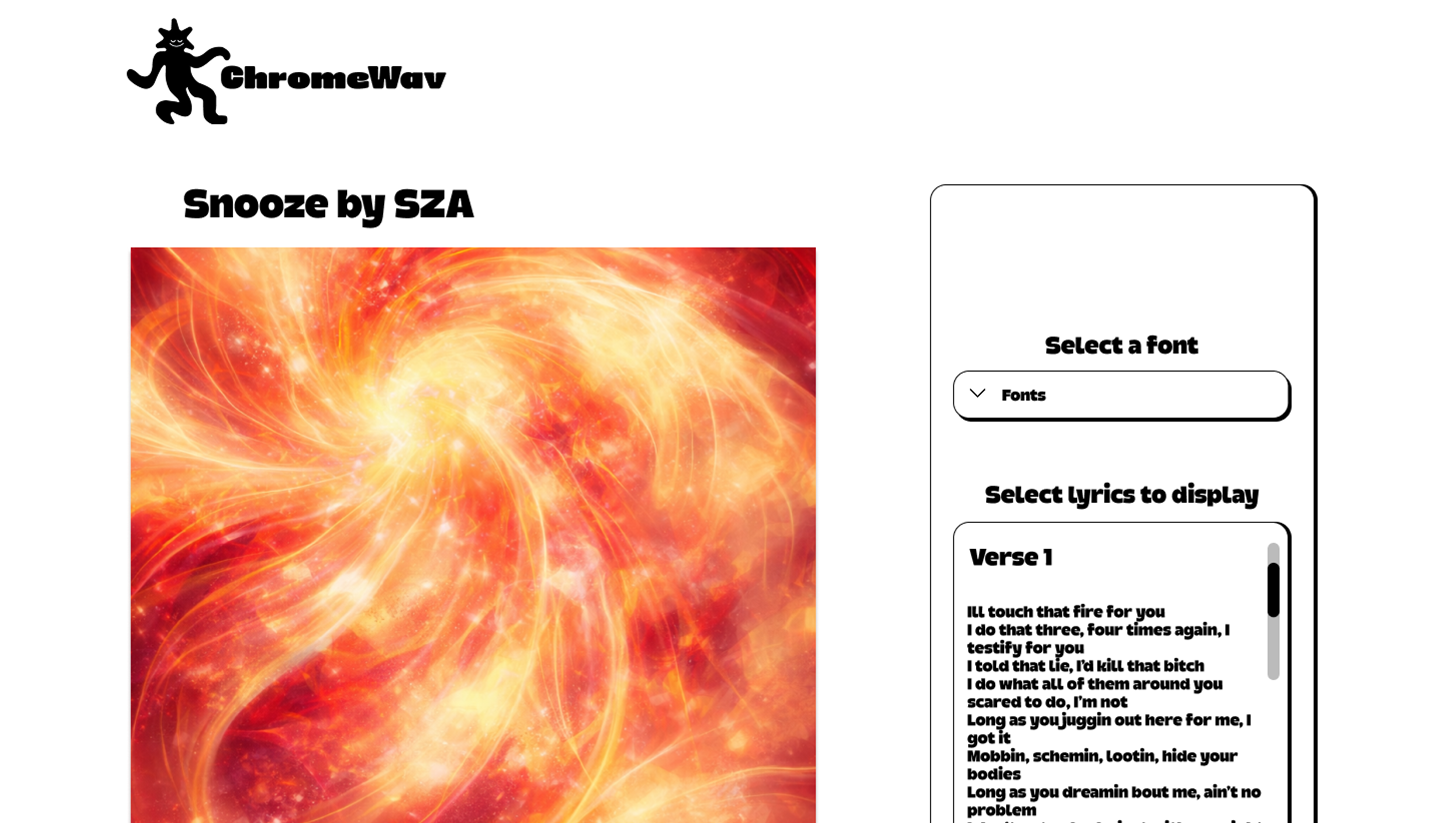
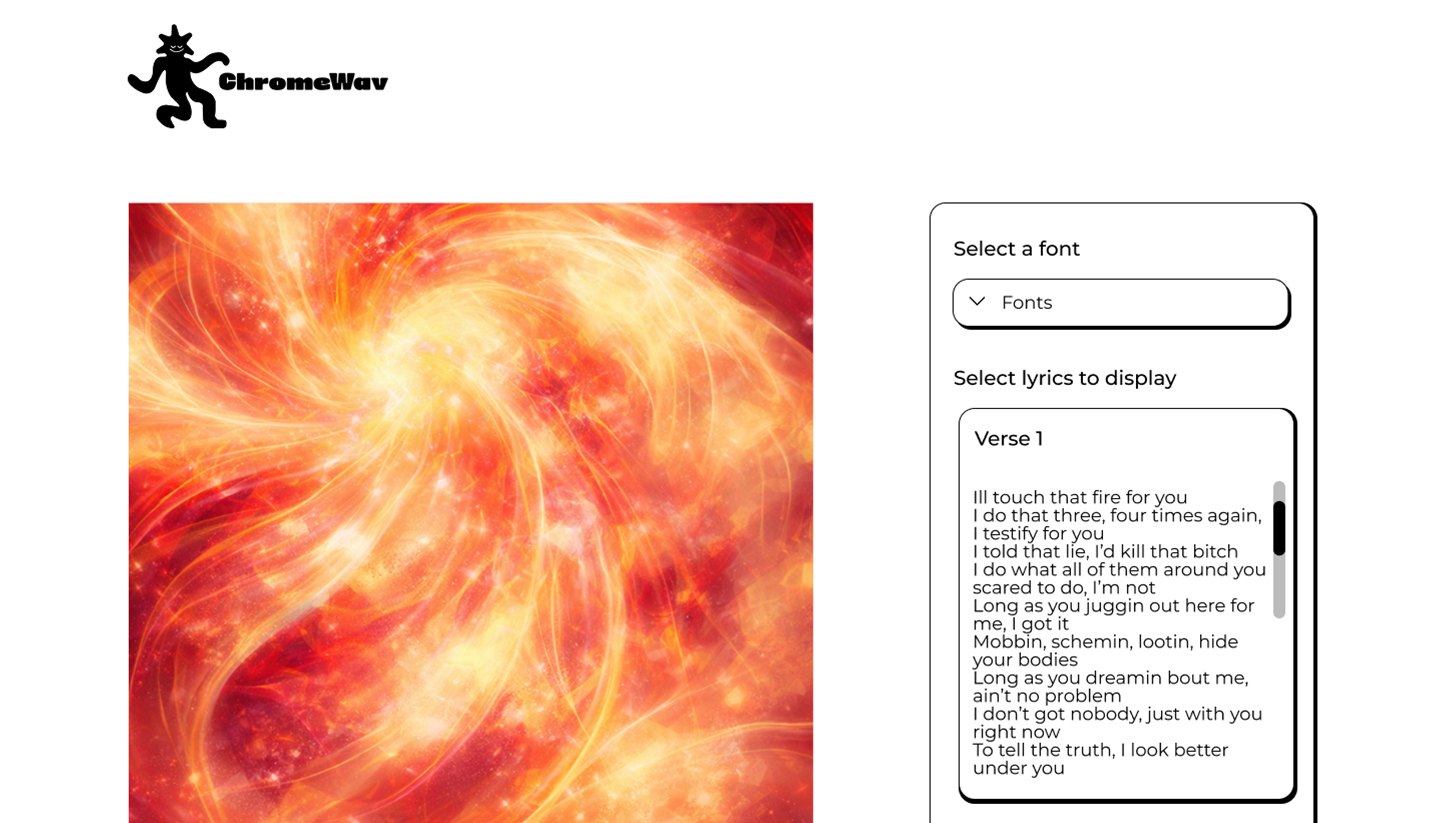
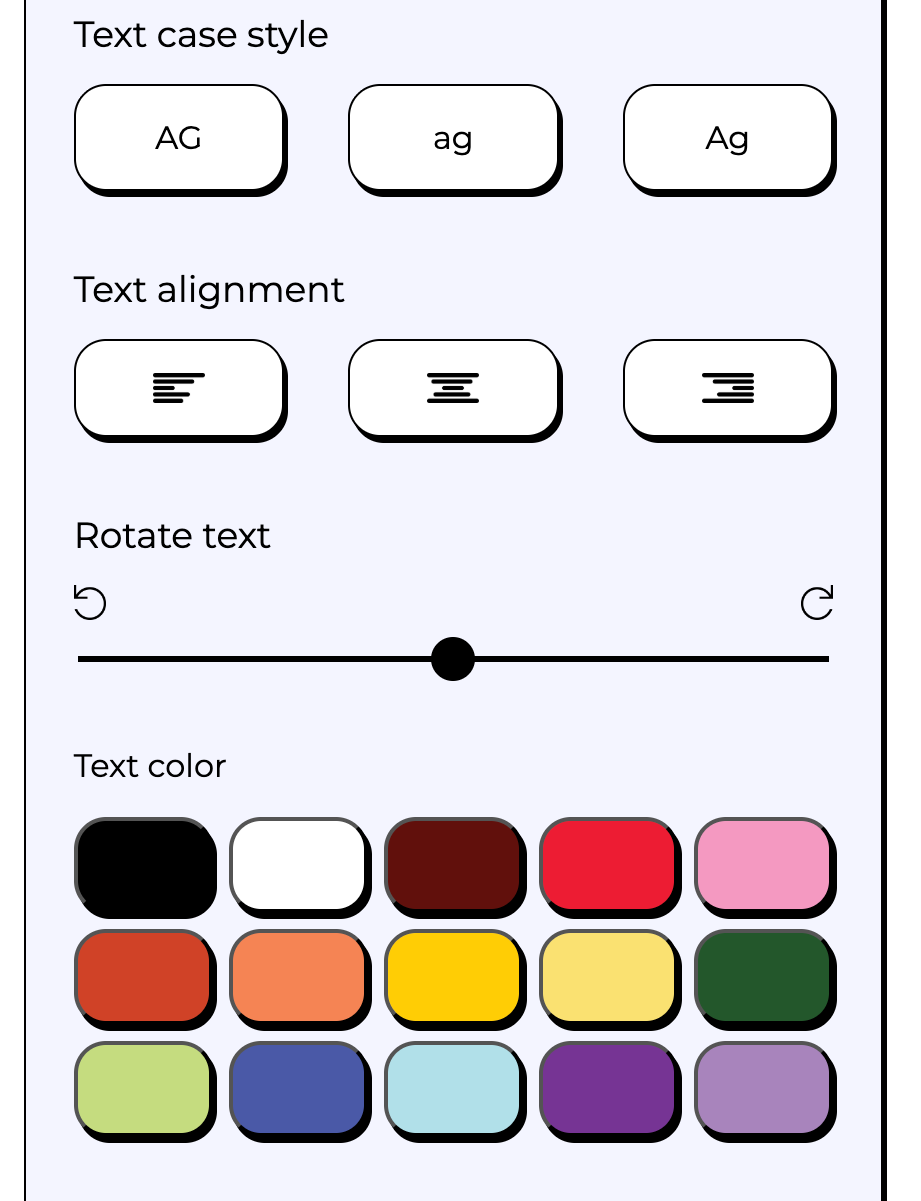
Once the image is generated, users can refine their design using interactive tools—transforming the output into a personalized composition.
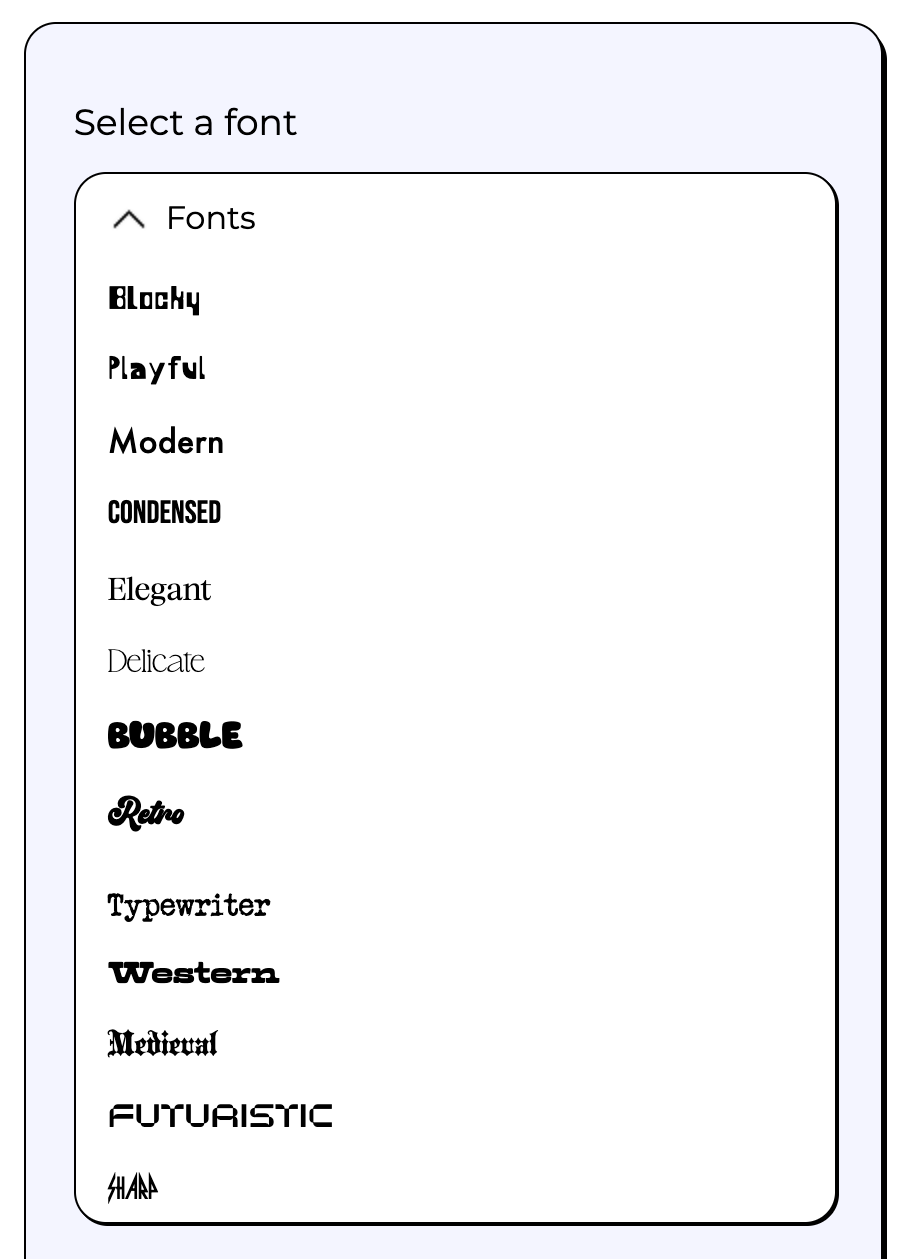
Users can choose from a range of type styles based on mood rather than name, making the selection process more intuitive and expressive.
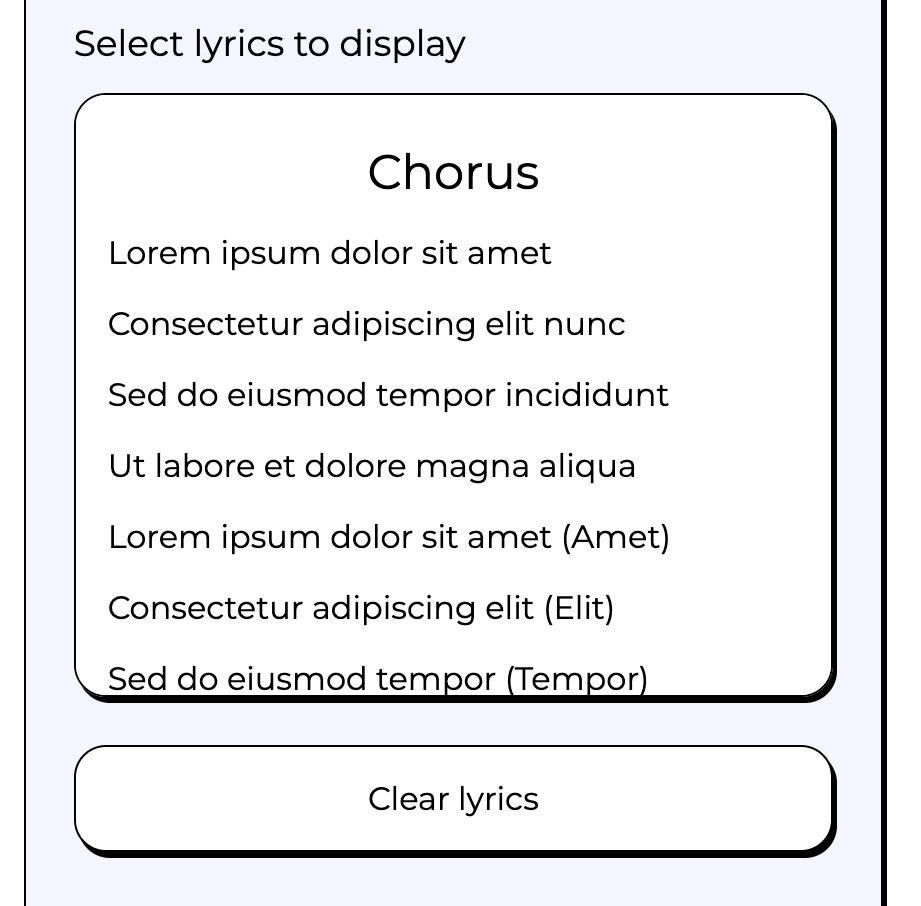
Lyrics are displayed in clearly separated sections, allowing users to quickly scan and select the part of the song they want to feature.
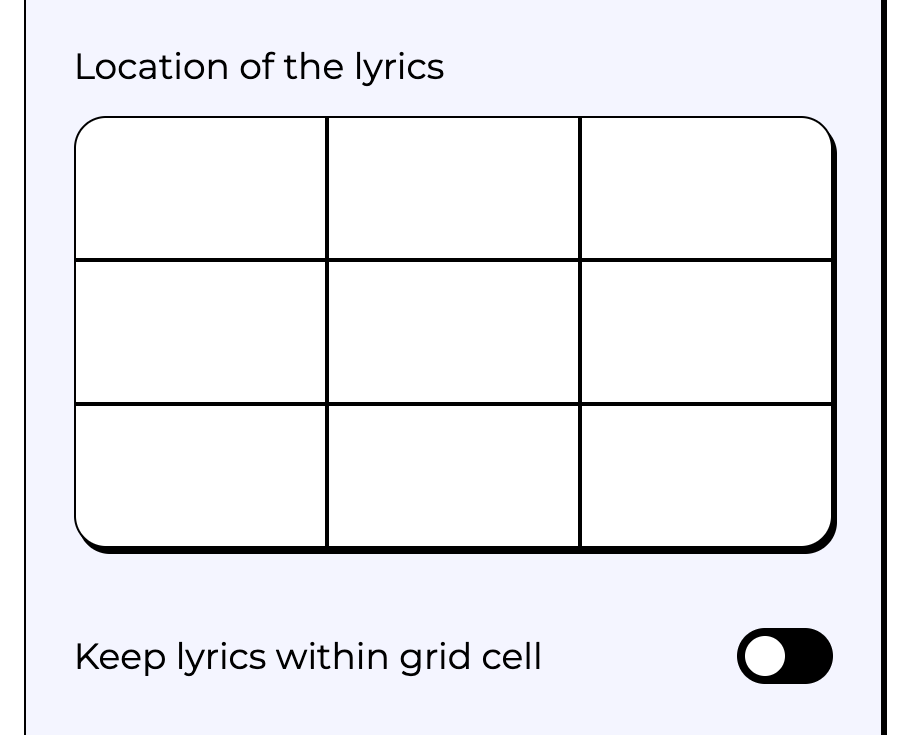
After selecting a lyric section, users can place it anywhere on the canvas using a simple grid system that maps directly to the composition.
To balance flexibility with simplicity, users can enhance their text with subtle styling options, such as adding a stroke for improved contrast and readability.
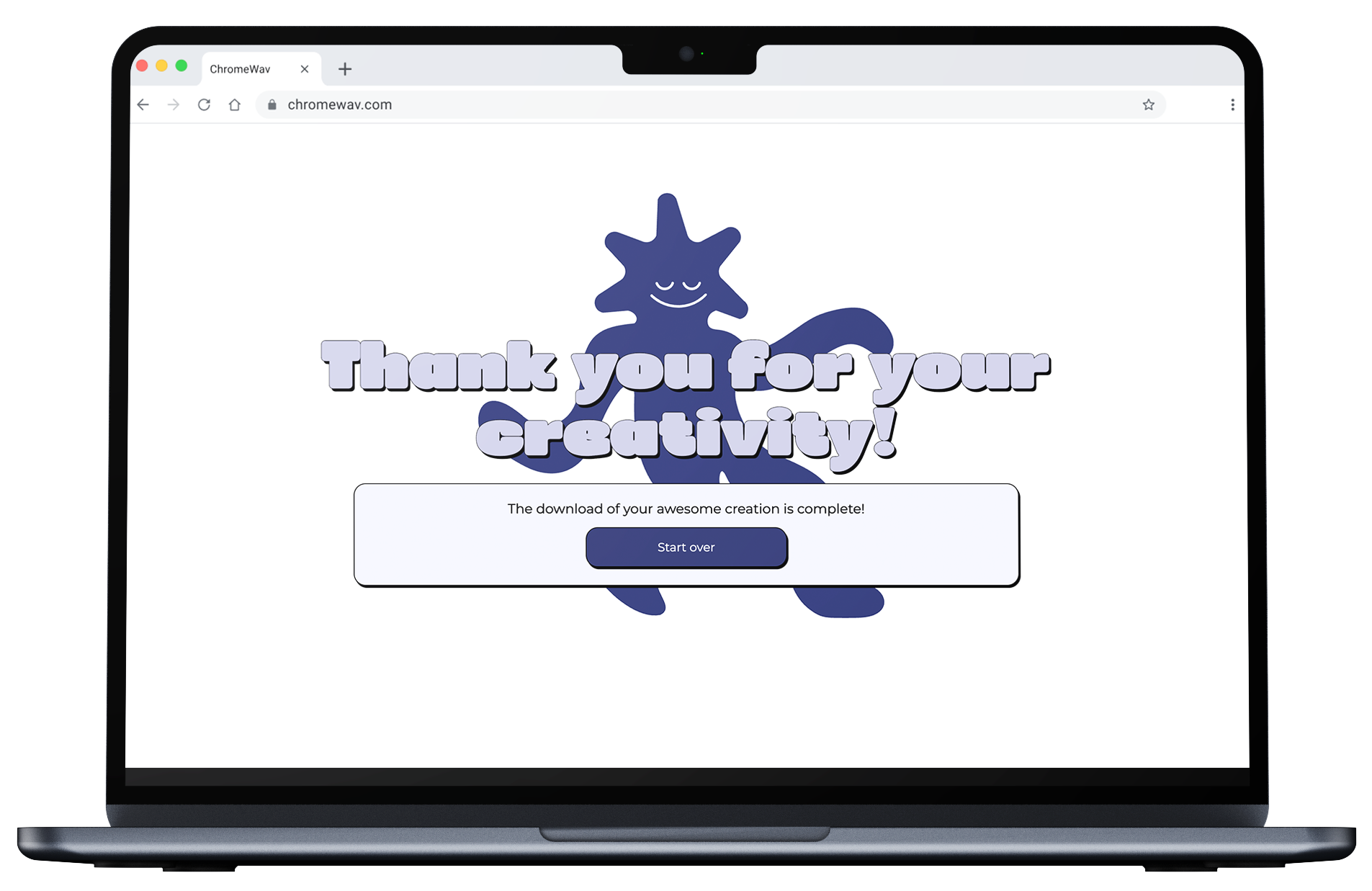
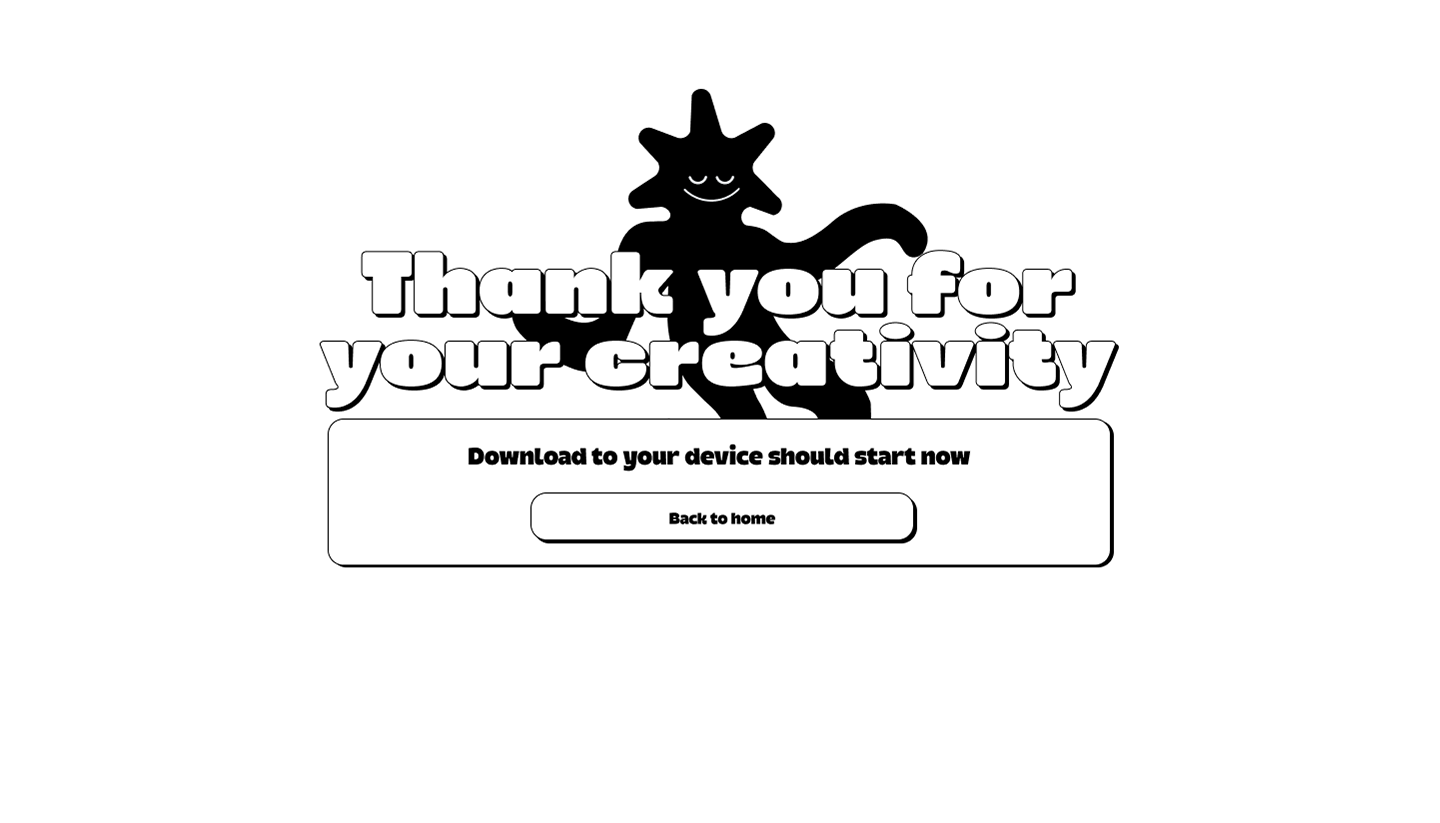
When the design is complete, users can export their final poster as a high-quality PNG.
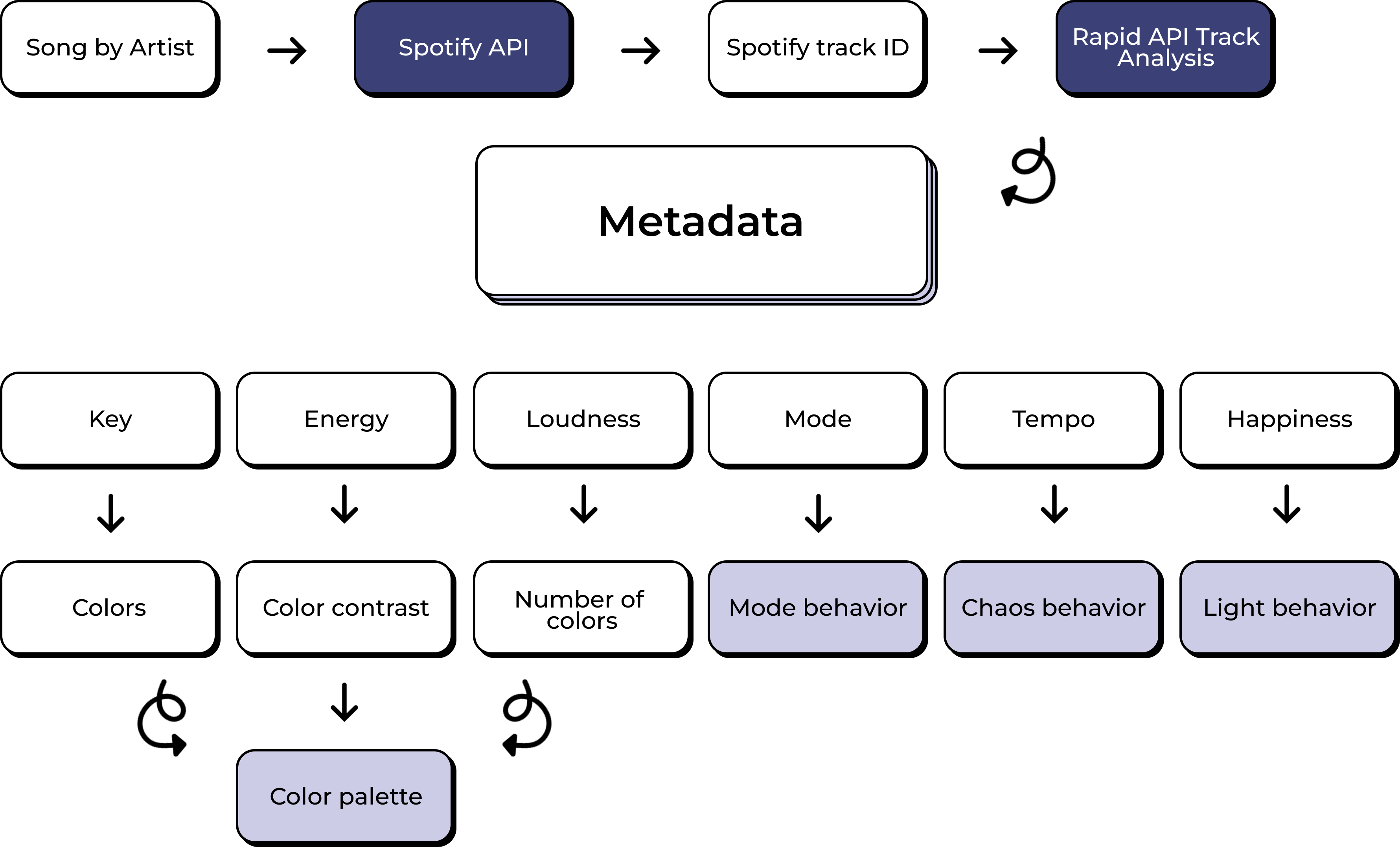
The system uses the selected song and artist to retrieve lyrics, then organizes them by section. This allows the frontend to present lyrics in a structured, easy-to-navigate format.
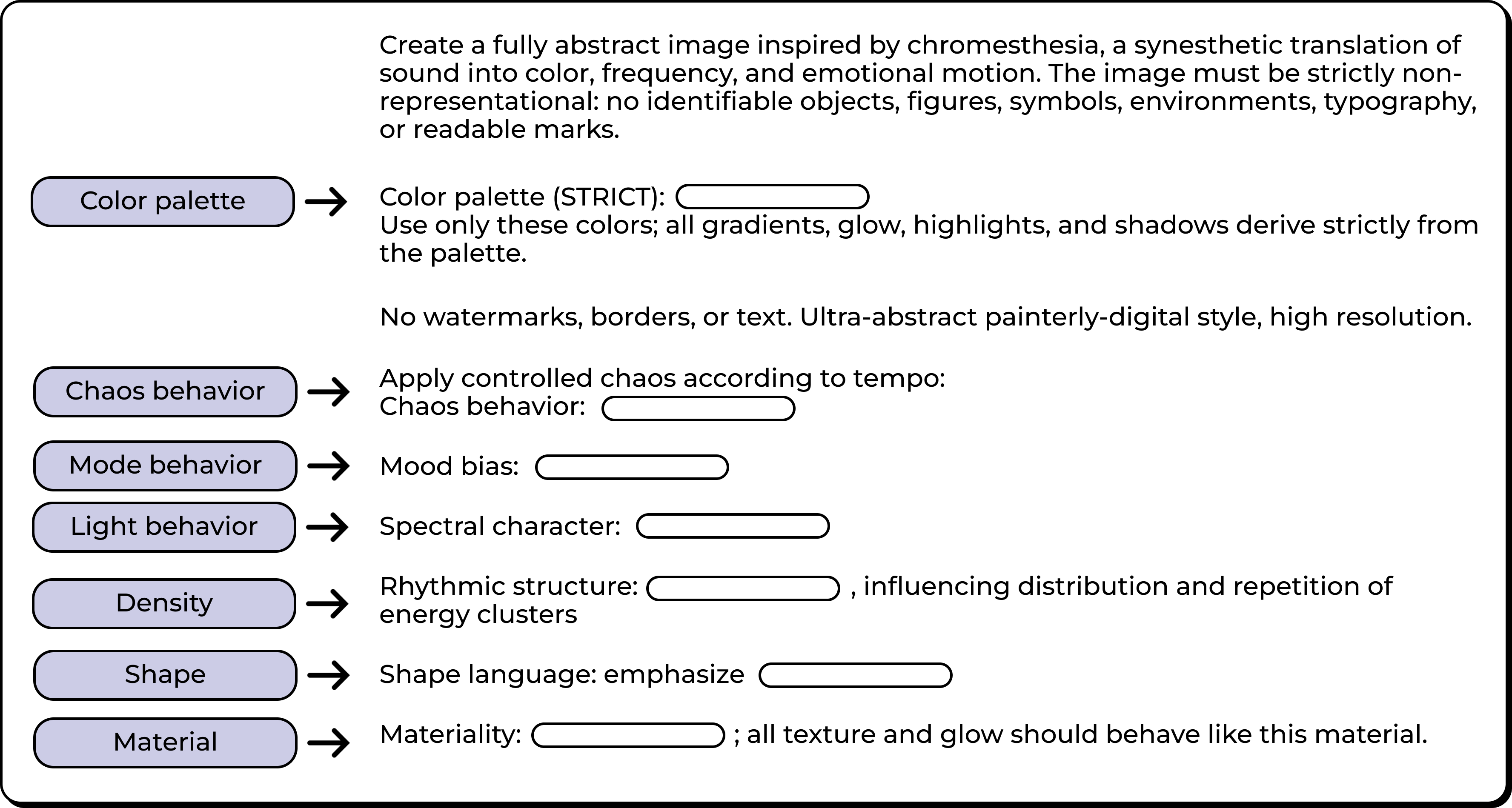
To ensure the generated image displays correctly, the selected canvas size is translated into an aspect ratio that defines the final layout.
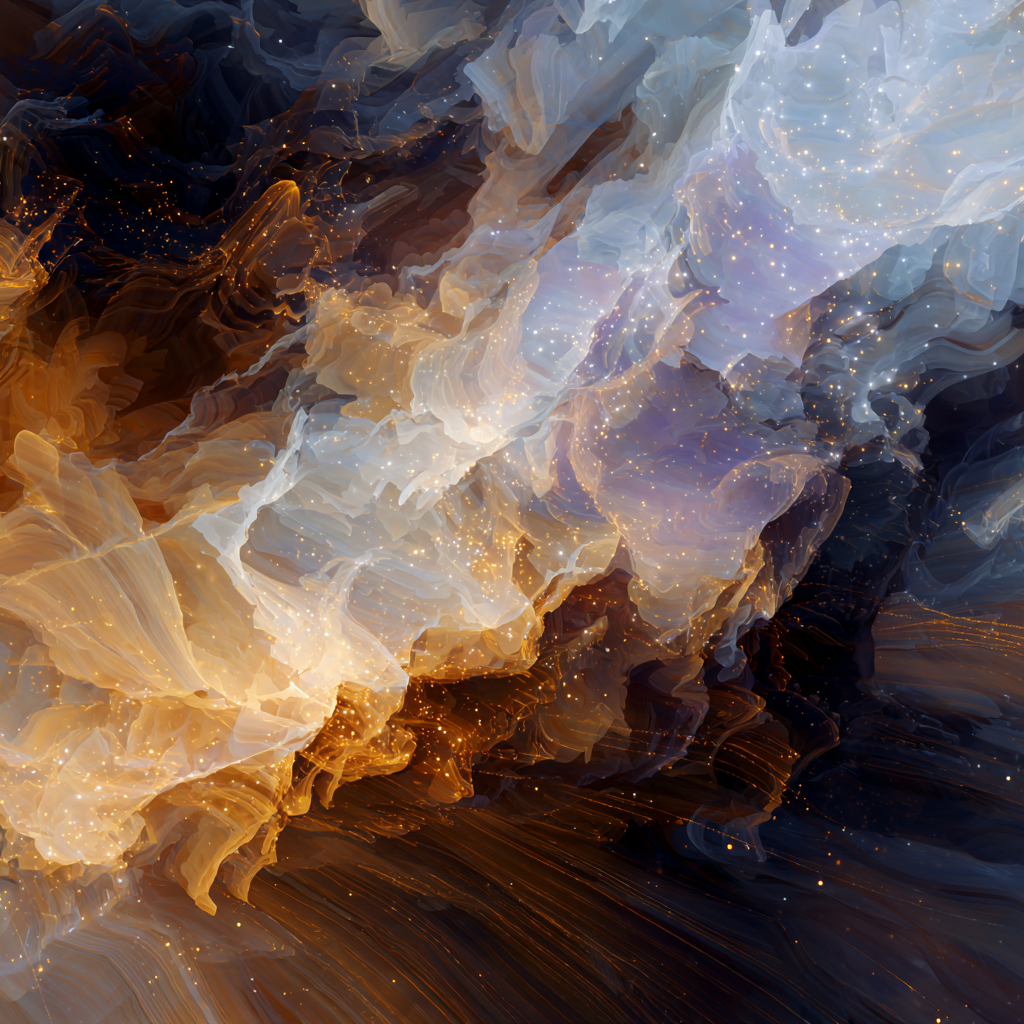
To keep each result unique, the system introduces random variations into every generation. Even with the same song, no two images are exactly the same.
This project explores chromesthesia as both an inspiration and a foundation for creation, turning music into a form of visual expression. At its core, ChromeWav is about making someone's music taste into something personal, expressive, and shareable.